- 25 -
English
Insert Batteries
Wrong polarity of batteries can damage the two
way radio.
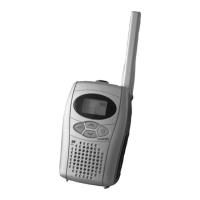
The Space100 can operate with AAA size Alkaline- and rechargeable
batteries (NiMH or NiCd). Remove the belt clip and open the battery
door. Insert the batteries under consideration of the polarity and close
the battery door.
Don’t try to charge Alkaline batteries, they can
explode and damage the two way radio.
The charging set available as accessory can only
charge NiMH rechargeable batteries properly.
Check battery condition
Press the
On/Off
button for a few seconds, to switch the radio on.
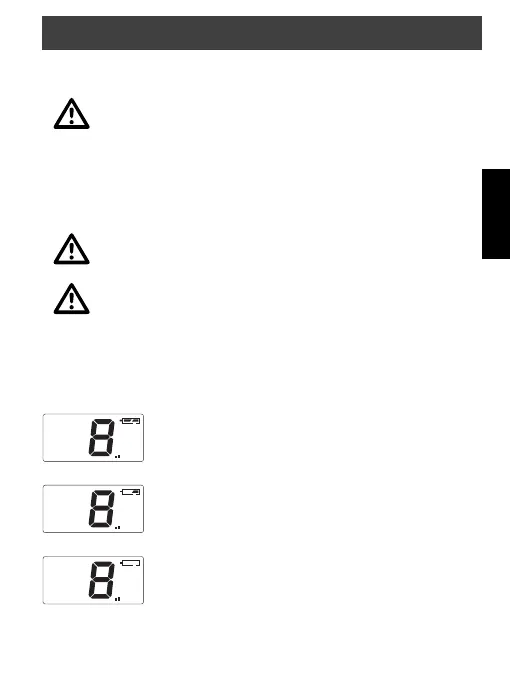
Check the battery icon:
Batteries full.
The batteries have to be changed soon.
Flashing, the batteries have to be changed or charged.
Starting operation
Space100.indd 25 11.06.2003, 10:58:14


 To Next Page