M4110 Leakage Reactance Interface User Guide
72A-2243-01 Rev. B 9/04 3-15
September 17, 2004
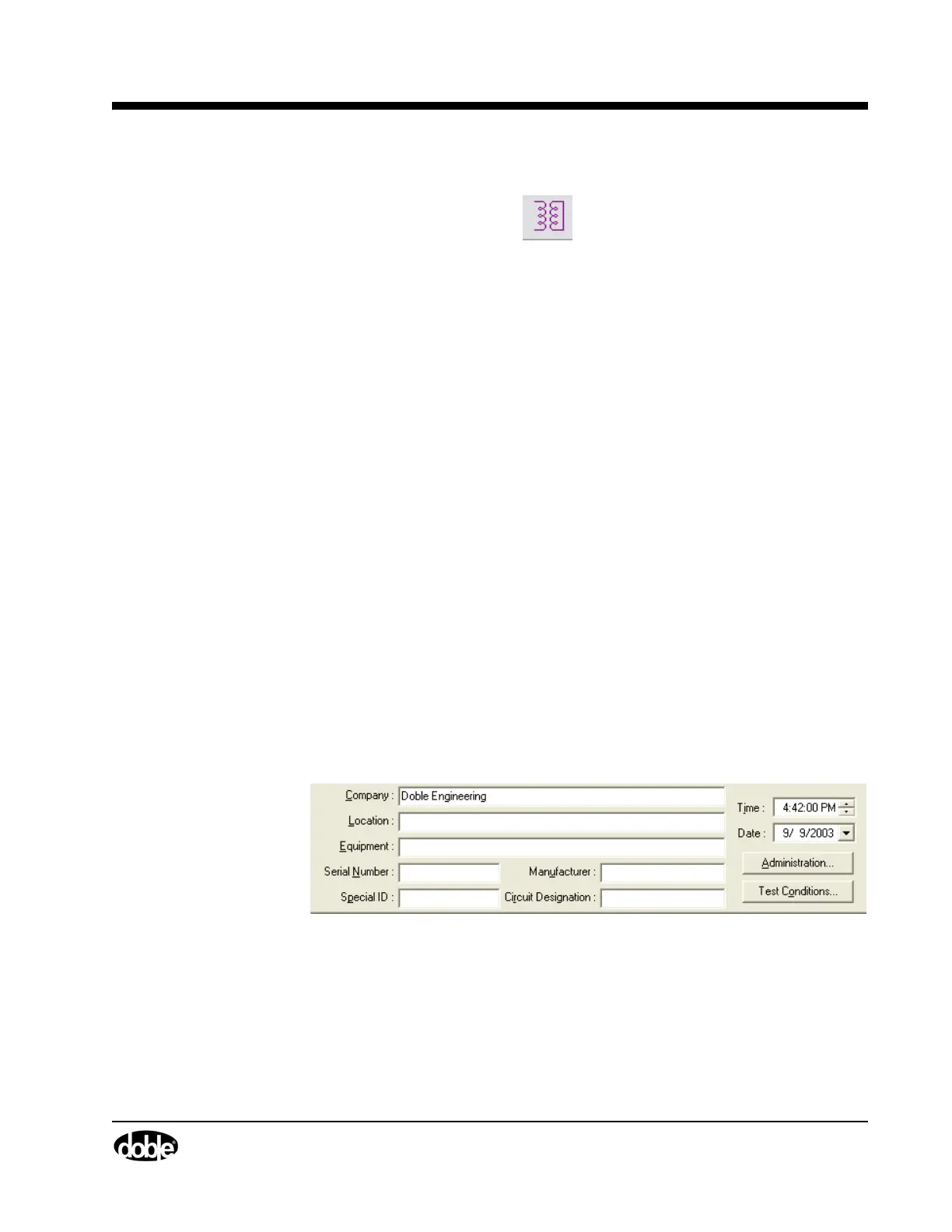
2. Select Mode/Leakage Reactance from the Main Menu bar, or click the
Leakage Reactance Icon.
3. Select the winding configuration. This must be done first, since doing so
automatically sets the available test configuration and resulting nameplate
data and benchmark data entry fields. If using DTA, this will be
automatically filled in on the Leakage Reactance nameplate screen when
you enter transformer configuration on the main nameplate screen.
4. Some of the Test Configurations are available for selection only with
certain winding configurations. Select a Test Configuration:
5. Enter transformer identification in the Nameplate Information fields.
To enter this nameplate and benchmark information:
• On the Leakage Reactance form, click the Benchmark tab.
• Enter the tap positions (ignore a field if there is no on-load tap
changer) on the first available row.
•In the Phase column, identify the phase.
Winding Configuration Test Configurations Available
Single-Phase Single-Phase
Delta-Wye Three-Phase Equivalent, Per-Phase Delta,
Per-Phase Wye
Delta-Delta Three-Phase Equivalent, Per-Phase Delta
Wye-Delta Three-Phase Equivalent, Per-Phase Wye
Wye-Wye Three-Phase Equivalent, Per-Phase Wye
Delta-Zigzag Three-Phase Equivalent, Per-Phase Delta,
Per-Phase Zigzag
Wye-Zigzag Three-Phase Equivalent, Per-Phase Wye,
Per-Phase Zigzag
Other Three-Phase Equivalent, Per-Phase, Other



 To Next Page