8 9
Bluetooth pairing not successful:
• Make sure that your CUBE is not already connected with anot-
her device (then disconnect).
• Ensure that your device is within a few meters to your CUBE.
• Ensure that Bluetooth is activated on your device.
• Deactivate & reactivate Bluetooth on your device.
• Turn your CUBE off and on again.
Full reset:
To solve unexpected behavior during pairing the Bluetooth and pairing
memory can be cleared.
1. Press the Play / Pause button for 3 seconds to cancel the cur-
rent Bluetooth connection
2. Press and hold the + / - buttons, then press the -button. This
will clear the stored Bluetooth devices and also the stereo pai-
ring connection.
3. As the Bluetooth memory is cleared you need to reconnect your
playback devices after this procedure.
PACKAGE CONTENT
BASS MODE
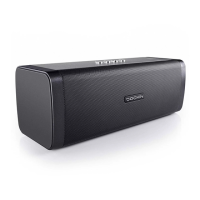
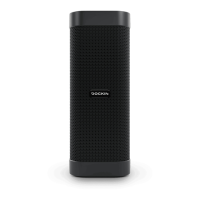
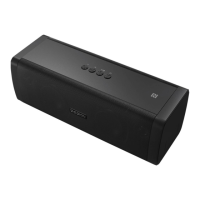
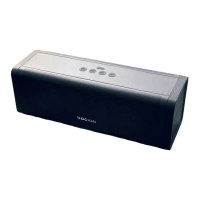
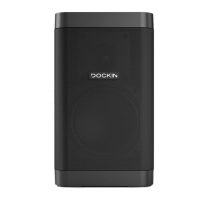
• D CUBE speaker
• AC power adapter
• AUX cable
• Manual
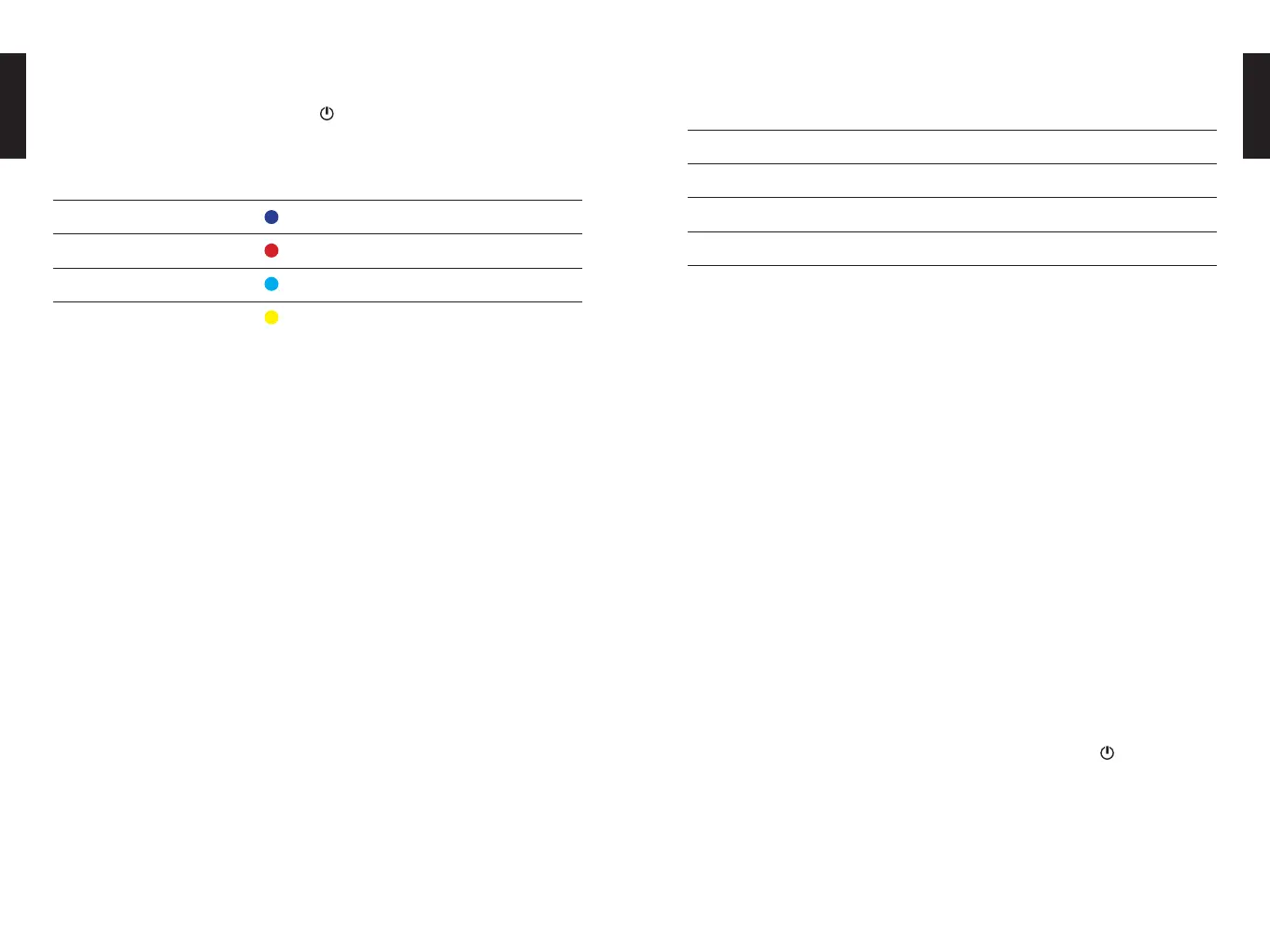
To activate bass mode press the -Button once. This engages a
slight bass enhancement around 50-60 Hz.
Mode Bluetooth LED
Normal
aptX
Normal + Bass
aptX + Bass
The color of the Bluetooth LED changes according to the mode
according to the above table.
WARNING
Batteries (battery pack or batteries installed) shall not be exposed
to excessive heat such as sunshine, fire or the like.
SPECIFICATIONS
Bluetooth: 4.2 + aptX
Output power: 25W RMS
Music playback time: 10h
Battery type: Lithium ion (4.400 mAh)
Measurements: 172 x 100 x 100mm
Weight: 1,085g
EN
EN
TROUBLE SHOOTING
ADDITIONAL NOTES
Always store your D CUBE fully charged and charge it regularly
(every 2-3 months). As with all lithium ion batteries this is important
to maintain battery performance.


 To Next Page