10 11
CHECKING THE PACKAGE CONTENTS
Make sure that the package contents are complete and that all parts are
undamaged before you commission the DMINI.
1. Take the DMINI and all accessories out of the packaging.
2. Use the following list to check whether the package contents are
complete.
The package contents contain the following individual parts:
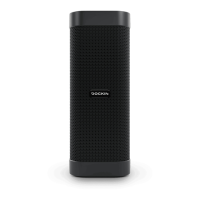
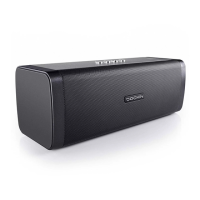
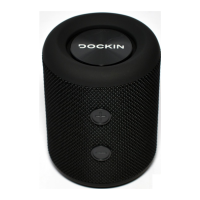
• D MINI speaker
• USB charging cable
• User manual
3. Check whether the DMINI or the accessories are damaged.
If this is the case, do not use the DMINI. Instead, contact the manufacturer
at the service address.
- Do not allow the power cable to come into contact with hot parts.
- Fully recharge the DMINI approximately every six months, even if you
are not using the DMINI at all or only irregularly.
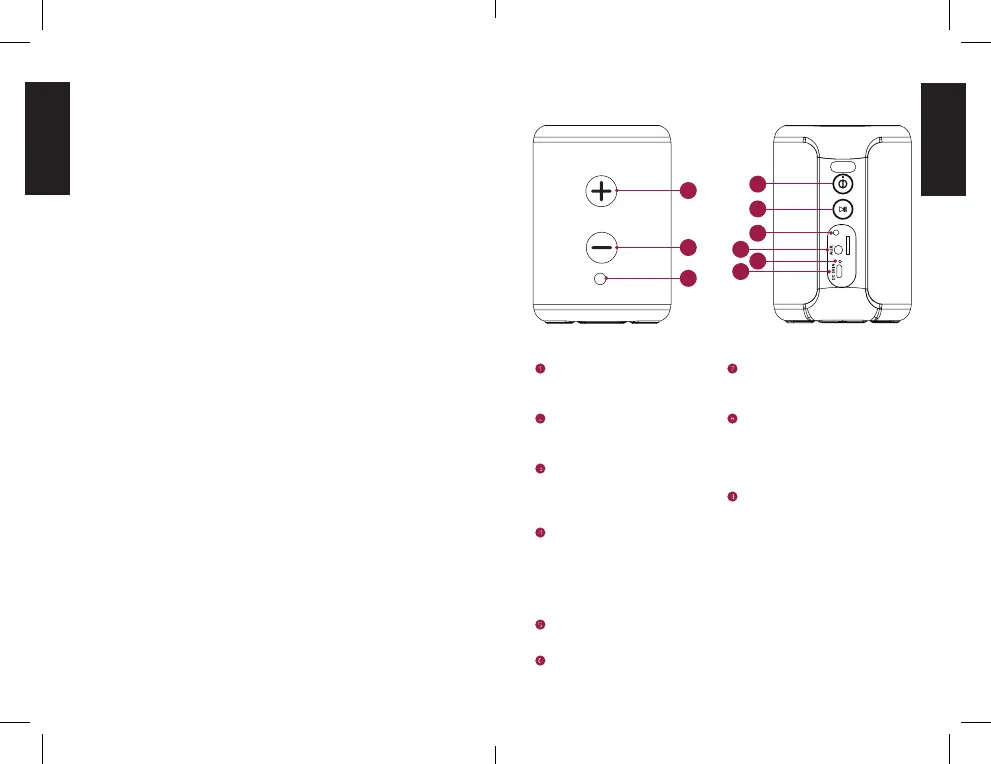
CONTROLS
TF
1
7
6
8
2
9
[+] button
» Press: Increase volume
» Press and hold: Next song
[-] button
» Press: Decrease volume
» Press and hold: Previous song
Power button
» Press and hold 2s: Power on / o
» Press: Change audio mode
(Bluetooth, SD Card, AUX)
Play / Pause button
» Press: Play / pause
» Press (AUX Mode): Mute /
Unmute the speaker
» Press and hold: Disconnect
Bluetooth connection
Micro SD card slot
» Insert the micro SD card here
AUX input for 3.5mm AUX cable
Charging LED
» LED red: Speaker is charging
» LED turns o when fully charged
Mini USB Charging connector
Battery status will be shown on
your playback device in the Blue-
tooth menu if supported by your
device and connected.
White LED Indicator
» LED blinking - Bluetooth
Pairing mode
» Slow blinking - Bluetooth Pairing
successful
» LED stays lit - AUX mode
» Two ashes, then pause - Micro
SD mode
» Slow breathing - Mute active
(press Play / Pause button to
change mute status in AUX mode)
3
4
5


 To Next Page