- 2 -
Contents …………………
CE conformity and FCC Statement ………………………….1
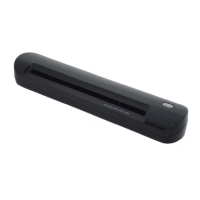
Introduction to DocketPORT
®
488 Scanner …….……........2
Software & Hardware Installation ………………….………3
Uninstall Scanner Driver Software …………………….……4
Install Scanner Hardware ….…………………………….…...5
Using Your Scanner ……………….……....…………….…...6
Tips & Cautions ………….……..…………………..……....7
Technical Support & Product Warranty Information …….…8
Welcome …………………
Thank you for purchasing our DocketPORT
®
488 document scanner.
We have designed this product to provide the user with a simple but effective tool to capture, manage and archive
documents of many types. We encourage you to read this short but important User Guide carefully.
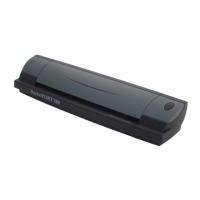
Your DocketPORT
®
488 scanner has the latest technology and compatible drivers. These drivers are tested and certified
by our in-house testing lab to be compliant with Windows 7, Windows Vista, Windows XP (SP3), 2003(SP2), Windows
2000 (SP4) operating systems. We also feature a TWAIN 1.9 compatible driver that will work with hundreds of imaging
applications. If you experience any difficulty with these drivers, please check our website www.docucap.com
to verify that
you are using the latest version.


 To Next Page