Camera Modes
When the camera is not recording video, you can switch between three modes by pressing the
mode button [ ]:
1. Video Recording 2. Photo 3. Video Playback.
Video Recording Mode
The camera defaults to video recording when the camera is first turned on.
LED Light Notification
Steady Blue – Powered off and is charging
Steady Pink – Powering up while charging or is in playback mode
Steady Red – In Standby Mode
Flashing Red – Recording video, not charging
Flashing Blue and Pink – Recording video and charging
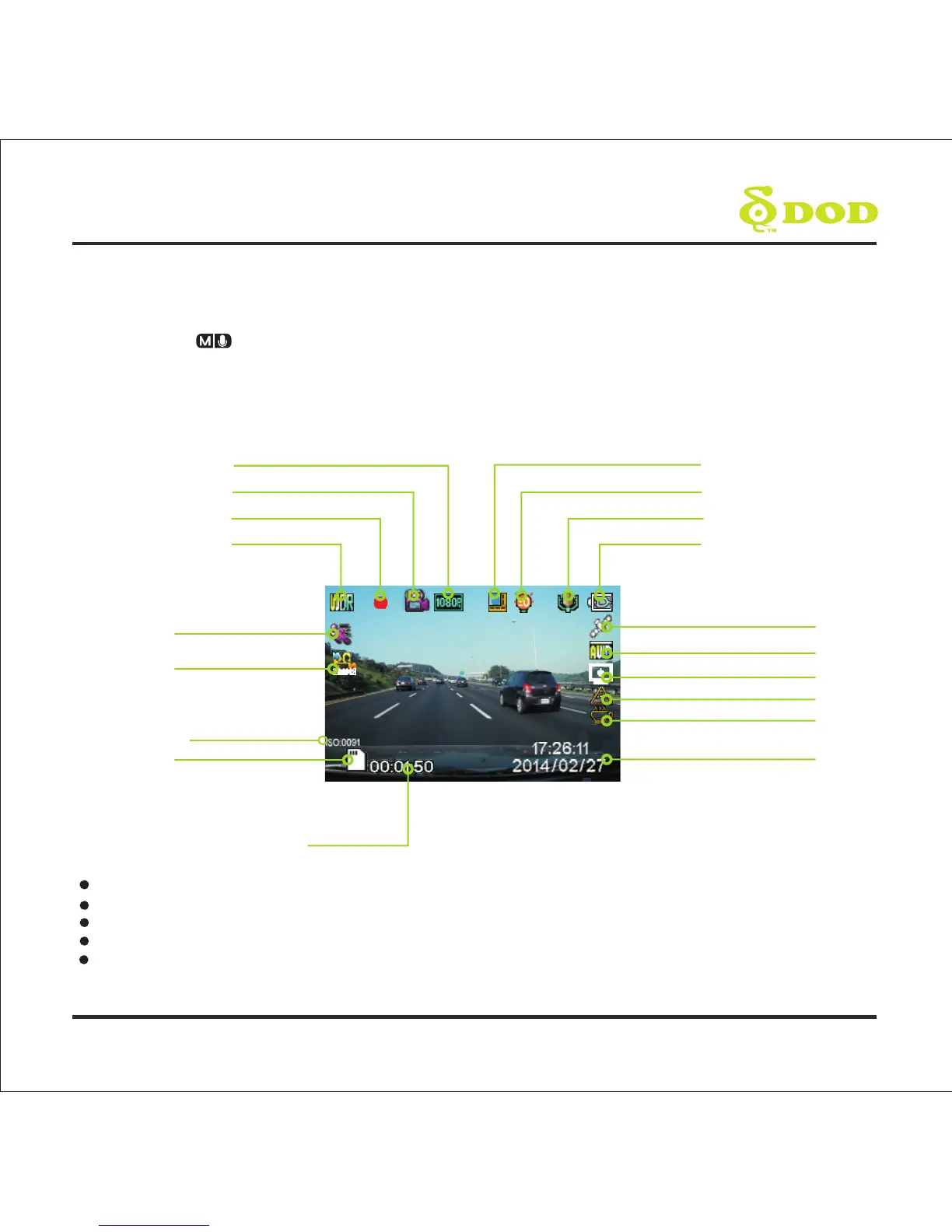
WDR Enabled
Recording Status
Video Recording Mode Icon
Video Resolution
Loop Recording Length
Exposure
Microphone (on)
Power Status
GPS Status
White Balance
Head-up Display
GPS Speed Warning
Driver Fatigue Warning
Date/Time
Memory Card inserted
Time Elapsed
Time Lapse
Motion Detection
13
ISO



 To Next Page