Channel Button
Press this button to select between channel “A” or
channel “B”, or if interference is heard through the
headphones.
Remote Control Battery Service
•
To replace the batteries for the remote control slide the
cover rearward.
The replacement batteries for the remote control are two
AAA batteries.
Operating Instructions — Video Screen
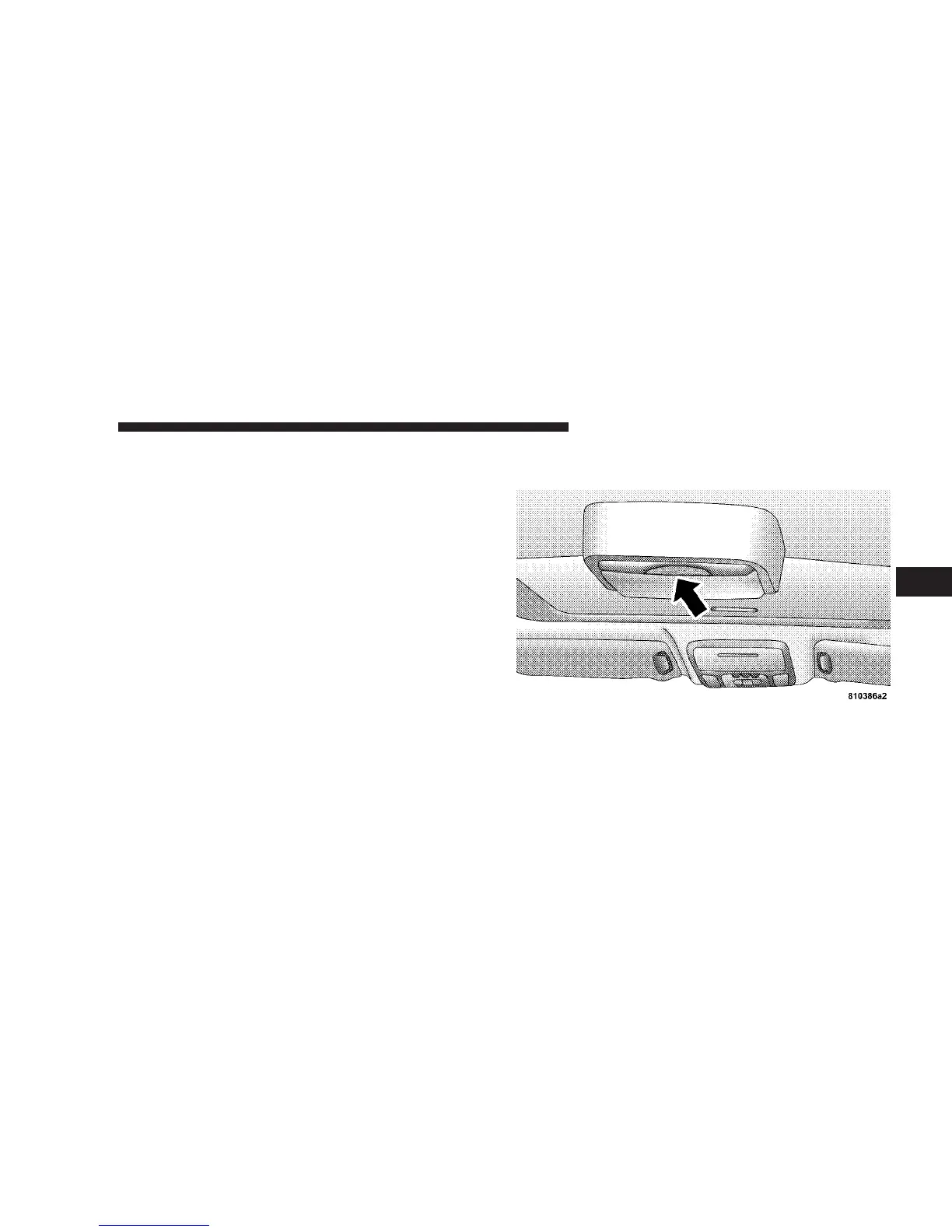
Push up on the release button to lower the video screen.
1. Screen Width Button
Changes the width of the screen picture.
2. Enter Button
This button will enter the selection from the on-screen
menu.
UNDERSTANDING YOUR INSTRUMENT PANEL 191
4













 To Next Page