176
Controls in detail
Operating system with steering wheel buttons*
3
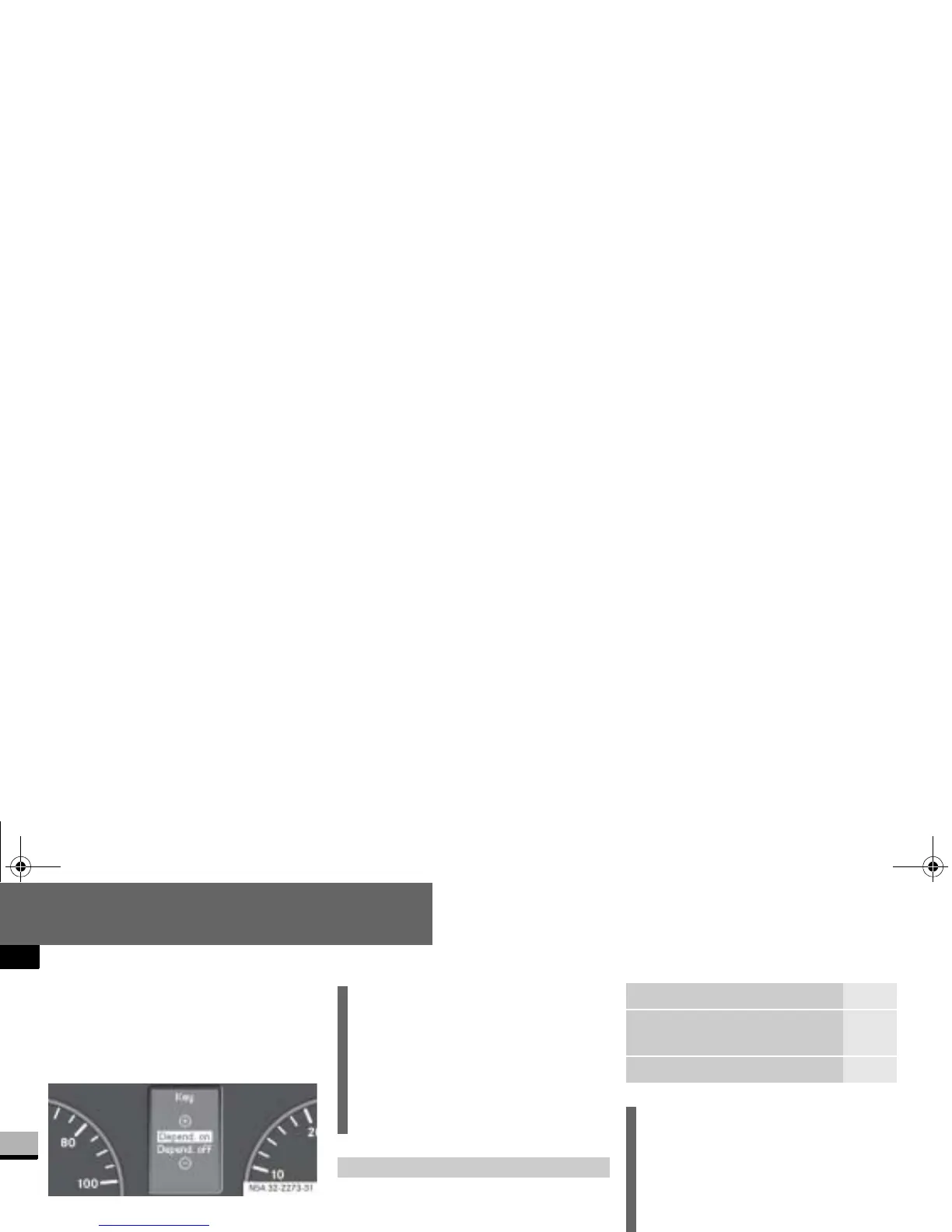
Press the j or k button re-
peatedly until you see the
Key
mes-
sage in the display.
The current setting is highlighted.
Press the æ or ç button to
switch key dependence
On
or
Off
.
The Trip computer menu displays statis-
tical data for your vehicle.
N54.32-2273-31
i
For safety reasons, it is not possible
to set the
Key
function while the vehi-
cle is in motion. You will see the fol-
lowing message in the display:
Setting only possible at stand-
still
.
Trip computer menu
Function Page
Consumption statistics after
start
177
Consumption statistics after
reset
177
Reset consumption statistics 178
i
When you call up the trip computer
again, it always displays the con-
sumption statistics after start first.
The units of the trip computer are
country-specific and depend on the
setting in the
Instrument
submenu of
the
Settings
menu.
Function Page
nf_BA.book Page 176 Friday, January 25, 2008 3:53 PM














 To Next Page