263
Controls in detail
Driving systems
3
Menu guidance
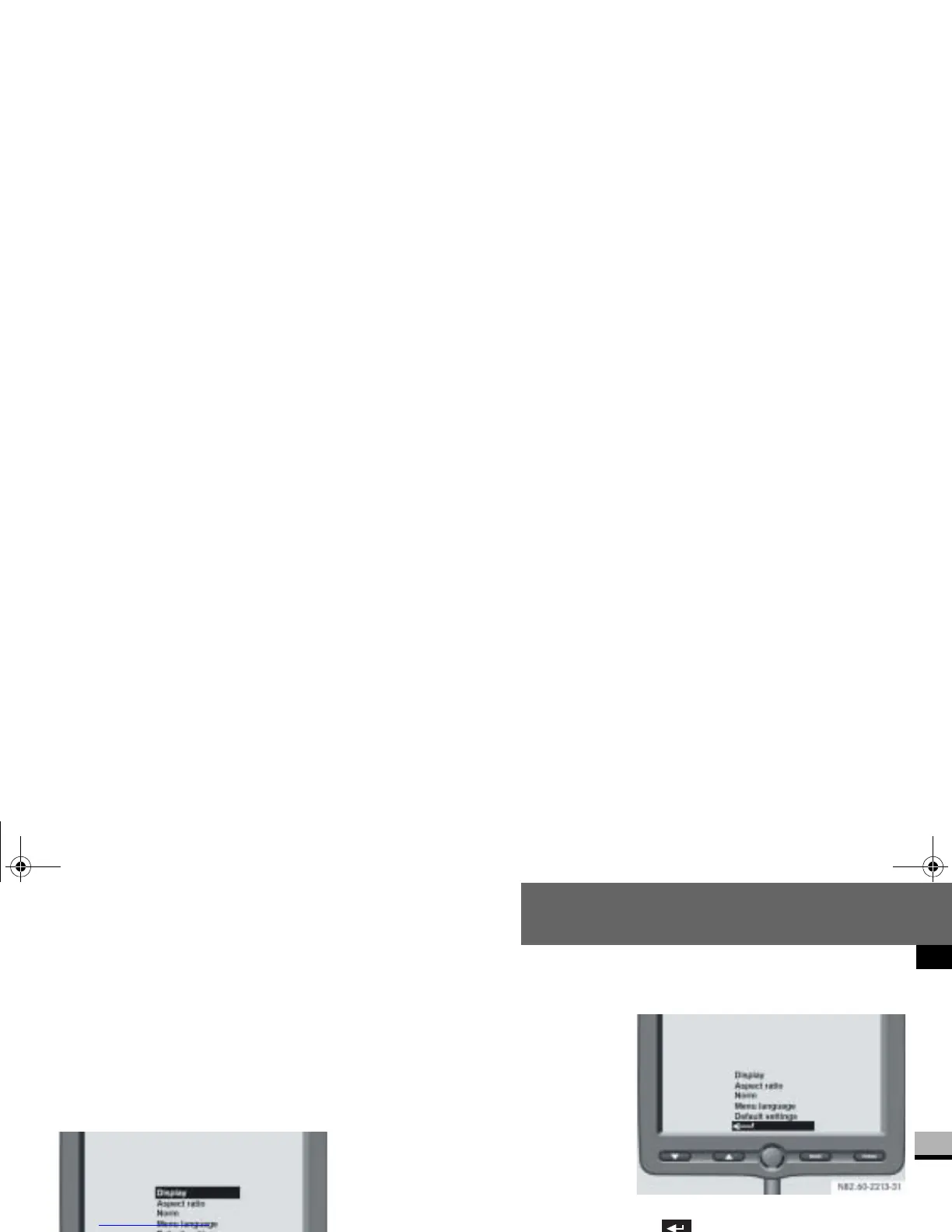
Selecting the main menu
Press the m button.
The main menu selection options
(menu level 1) appear.
Press the % or $ button until
the menu you desire is highlighted.
Press the m button.
The required menu is selected.
The following settings and menus are
available in the main menu:
Display ( page 264)
Aspect ratio ( page 268)
Norm ( page 269)
Menu language ( page 270)
Default settings ( page 270)
Back ( page 264)
Go to previous menu
Press the % or $ button until
is highlighted.
Press the m button.
The higher-level menu is displayed.
nf_BA.book Page 263 Friday, January 25, 2008 3:53 PM














 To Next Page