264
Controls in detail
Driving systems
3
Display menu
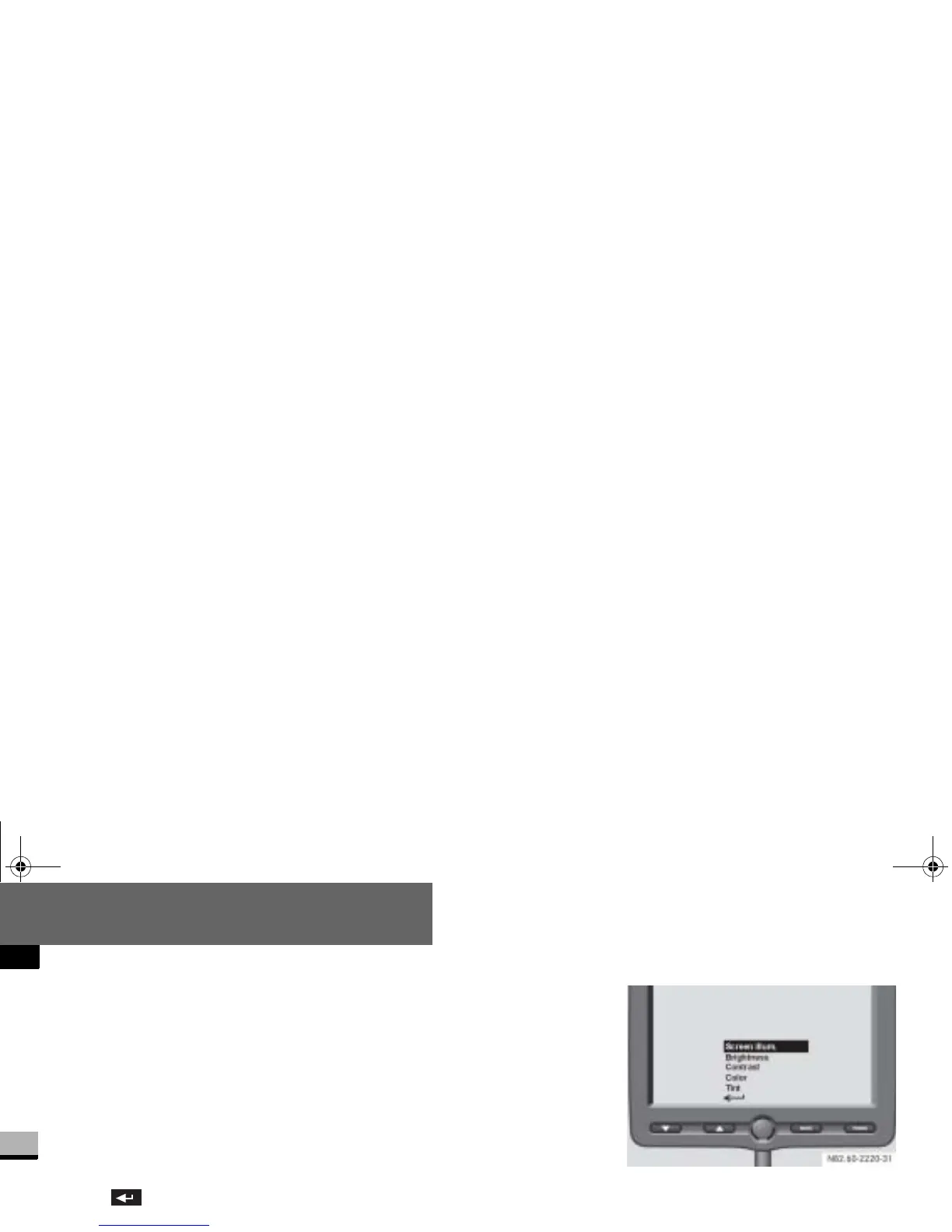
You can customize the monitor display
in the
Display
menu.
You can select the following submenus:
Screen illumination
Brightness
Contrast
Color
Tint
Back
Screen illumination submenu
You can configure the monitor’s back-
lighting in the
Screen illum.
submenu.
Press the m button.
The main menu (menu level 1) is dis-
played (
page 263).
Press the % or $ button until
the
Display
menu is highlighted.
The
Display
menu is selected.
Press the m button.
The submenus (menu level 2) are
displayed.
Press the % or $ button until
the
Screen illum.
submenu is high-
lighted.
Press the m button.
The lighting setting is displayed.
nf_BA.book Page 264 Friday, January 25, 2008 3:53 PM














 To Next Page