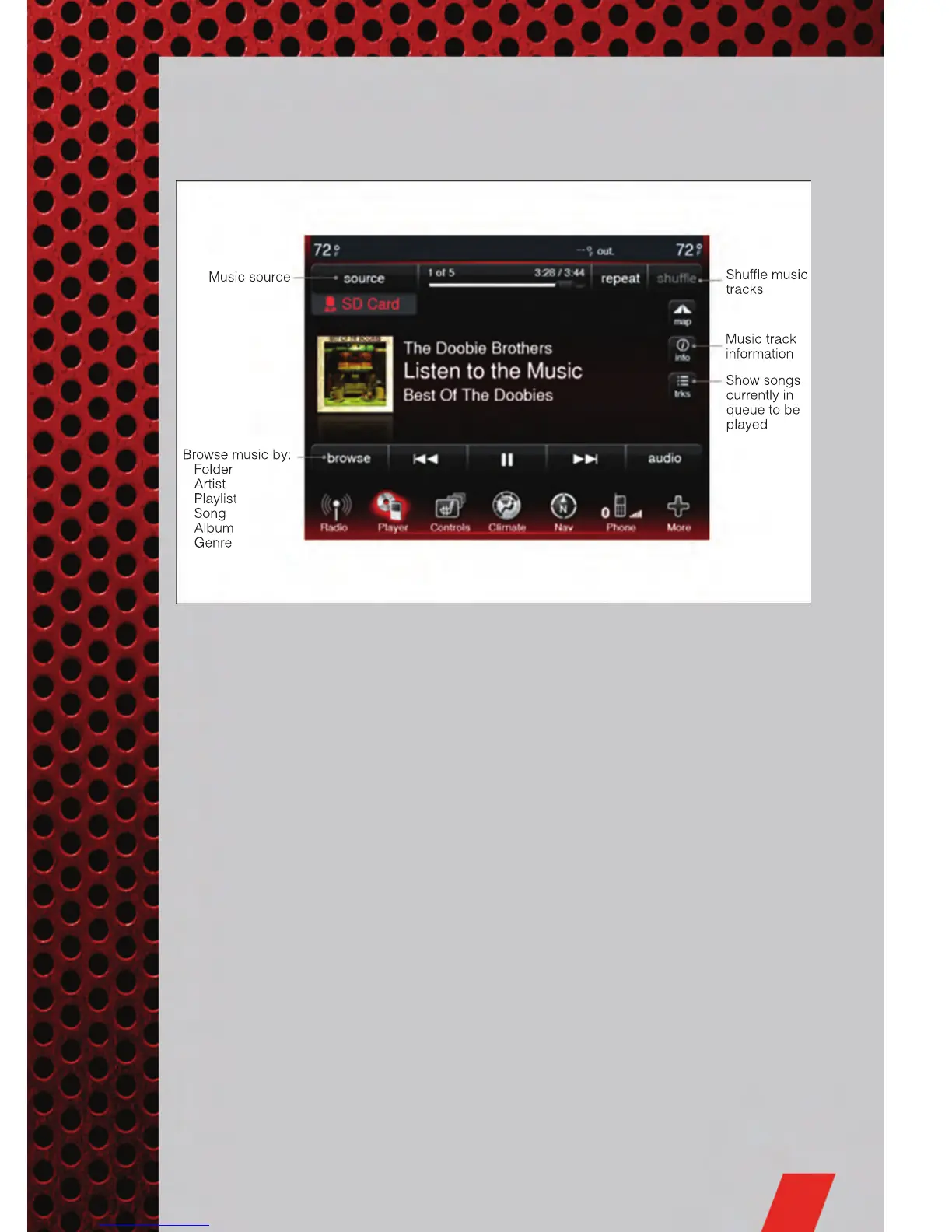
Models 8.4 & 8.4N
• Select Player source by pressing the Player soft-key to enter the Player main
screen, then touch the source soft-key and choose between Disc, AUX, SD Card or
iPod
®
.
NOTE: Uconnect Touch™ will usually automatically switch to the appropriate mode
when something is first connected or inserted into the system.
ELECTRONICS
43













 To Next Page