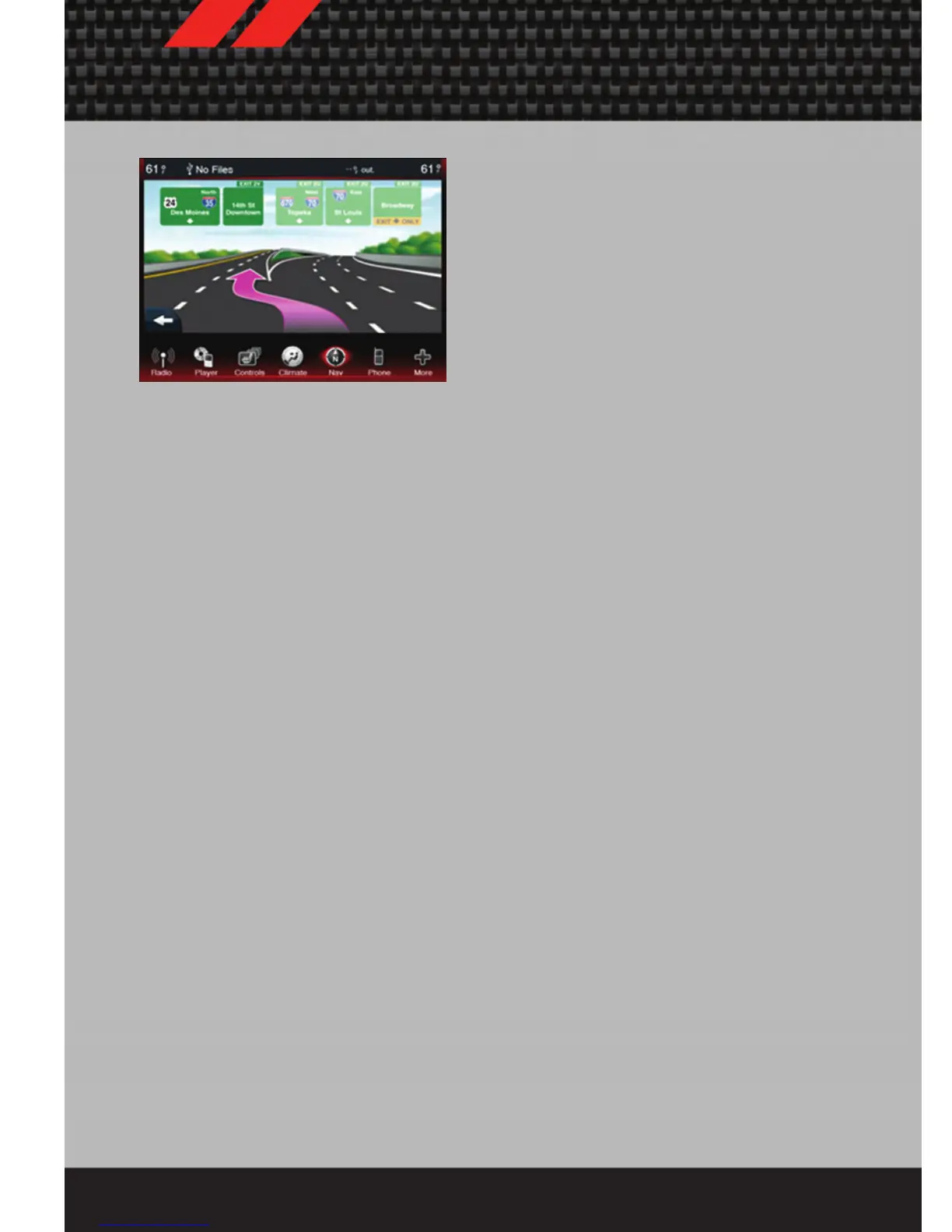
Adding a Stop
• To add a stop you must be navigating a
route
• Touch the back arrow to return to the
Main Navigation menu.
• Touch Where To?, then search for the
extra stop. Then select the stop to add
from the search results.
• Touch Go, then touch Add to Current
Route.
Taking a Detour
• To take a detour you must be navigating a route
• Touch Detour
NOTE: If the route you are currently taking is the only reasonable option, the device
might not calculate a detour.
Setting or Changing Your Home Location
• Touch the NAV soft-key in the menu bar to access the Navigation system and the
Main Navigation menu.
• Touch Where To?, then touch Go Home.
• You may enter your address directly, use your current location as your home
address, or choose from recently found locations.
• To edit your Home location (or other saved locations), touch Where To? from the
Main Navigation menu, then touch Favorites, and touch the location you want to
edit. After selecting a location to edit, touch Press for More, then Edit.
Go Home
• A Home location must be saved in the system. From the Main Navigation menu,
touch Where To?, then touch Go Home.
ELECTRONICS
48














 To Next Page