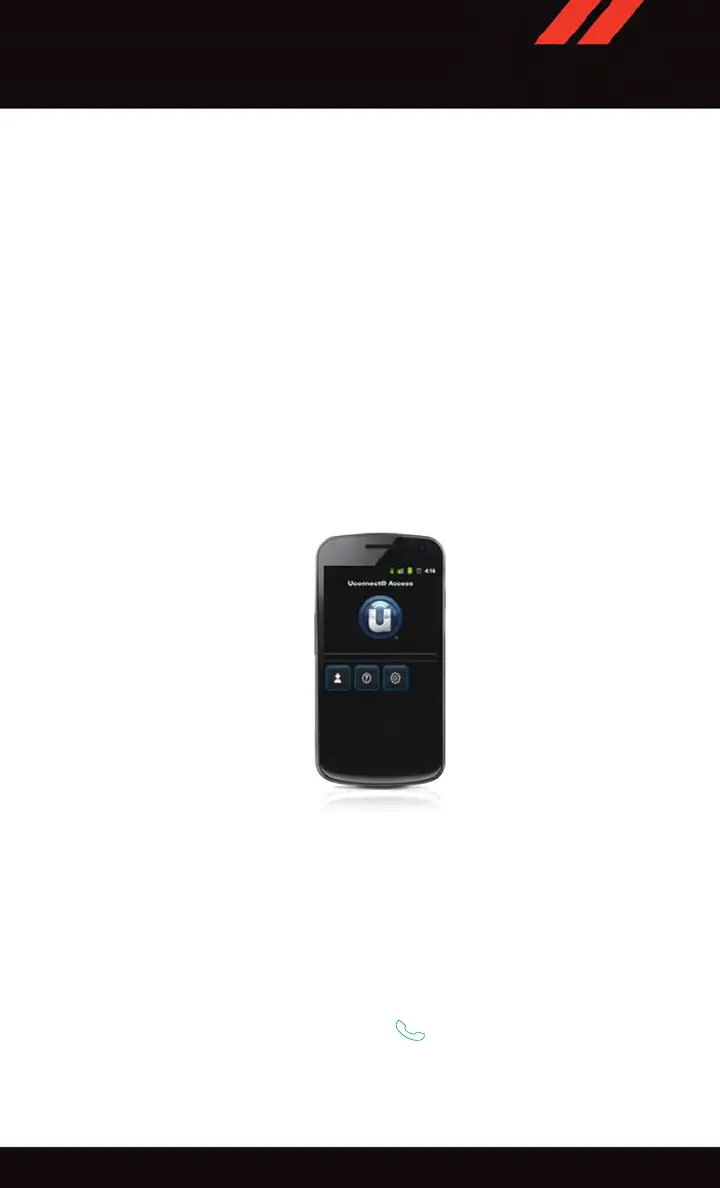
Mobile App (8.4A/8.4AN)
Securely link your mobile device to your vehicle with the Uconnect
®
Access App. Once
you have downloaded the App, you may start your vehicle or lock it from virtually any
distance. (Vehicle must be properly equipped with factory-installed Remote Start.)
Download the Uconnect
®
Access App to compatible Apple
®
or Android
®
mobile devices.
All you need to do is:
1. After registering with Uconnect
®
Access, log on to your Mopar
®
Owner Connect
account at moparownerconnect.com.
2. On the Dashboard page, enter your mobile phone number to receive a link to download
the App on your mobile device. Or , go to iTunes
®
or Google Play and search for the
Uconnect
®
Access App.
3. To activate the App, enter your Mopar Owner Connect user name and password and log
in. Your vehicle is then connected to your mobile device.
Voice Texting (8.4A/8.4AN)
You must be registered with Uconnect
®
Access and have a compatible MAP – enabled
smartphone to use your voice to send a personalized text message. (Not compatible with
iPhone
®
.)
1. To send a message, push the Phone button
. After the beep, say: “Send message
to John Smith.”
2. Listen to the prompt. After the beep, dictate the message you would like to send. Wait
for Uconnect
®
to process your message.
Mobile App
ELECTRONICS
117















 To Next Page