Copying Music From USB
• The USB port on the radio face plate allows you to copy files to your hard drive. To access,
lift up the cover.
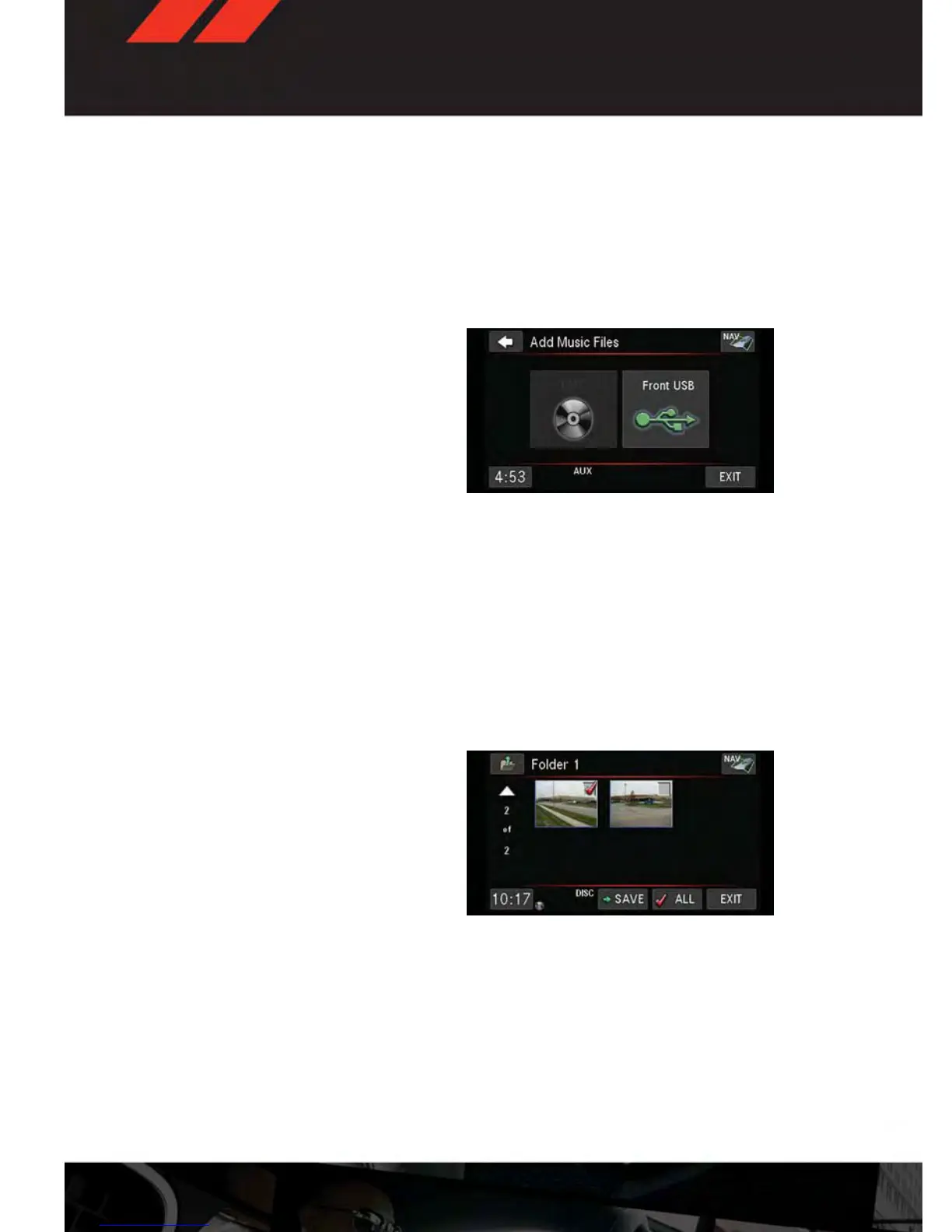
• Insert a USB device (e.g. thumb drive or memory stick), then select the “MY MUSIC”
soft-key.
• Touch the “Add Music Files to HDD” soft-key, then touch the “Front USB” soft-key in the
next screen.
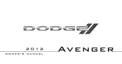
• Select the folders or titles you would like
to copy, then touch the “SAVE” soft-key to
start the copy process. To copy all of the
titles touch the "ALL" soft-key, then press
the "SAVE" soft-key.
NOTE:
The copy progress is shown in the lower left
corner of the screen.
Copying Pictures To The HDD
• Insert either a CD or a USB device containing your pictures in JPEG format.
• Press the “MY FILES” hard-key.
• Touch the “My Pictures” soft-key to get an overview of the currently stored images, then
touch the “Add” soft-key.
• Touch the “Disc” or “USB” soft-key, then select the folders or pictures you wish to copy to
the HDD. Use the “PAGE” soft-keys to page through the list of pictures.
• Touch the desired pictures or press the “All” soft-key for all pictures. Confirm your
selections by touching the “SAVE” soft-key.
NOTE:
The copy progress is shown in the lower left
corner of the screen.
Display A Picture On The Radio Screen
• Once the import is complete, the pictures
will then be available in the “MY PIC-
TURES” screen.
• Press the “MY FILES” hard-key, then
touch the “My Pictures” soft-key. Touch the desired picture, touch the “Set as Picture
View” soft-key and then touch the “Exit” soft-key. Finally, press the “MENU” hard-key and
touch the “Picture View” soft-key to display the chosen picture on the radio screen.
NOTE:
• A check mark in the “My Pictures” screen indicates the currently used picture.
• You can also delete pictures by touching the “Delete” soft-key.
ELECTRONICS
42










 To Next Page