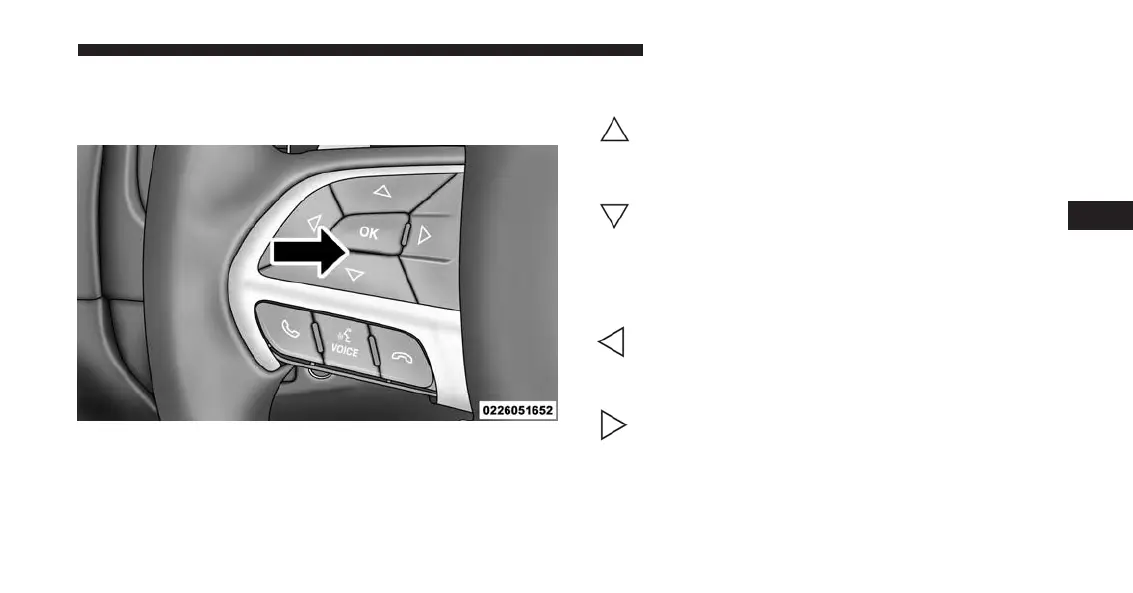
The system allows the driver to select information by
pushing the following buttons mounted on the steering
wheel:
UP And DOWN Arrow Buttons:
Using the UP or DOWN arrows allows you to
cycle through the Main Menu Items.
Changes the Main Screen area and Menu Title
area.
LEFT And RIGHT Arrow Buttons:
Using the LEFT or RIGHT arrow button al-
lows you to cycle through the submenu items
of the Main menu item.
NOTE:
• Holding the UP/DOWN or LEFT/RIGHT
arrow button will loop the user through the
currently selected menu or options pre-
sented on the screen.
DID Controls
4
UNDERSTANDING YOUR INSTRUMENT PANEL 261













 To Next Page