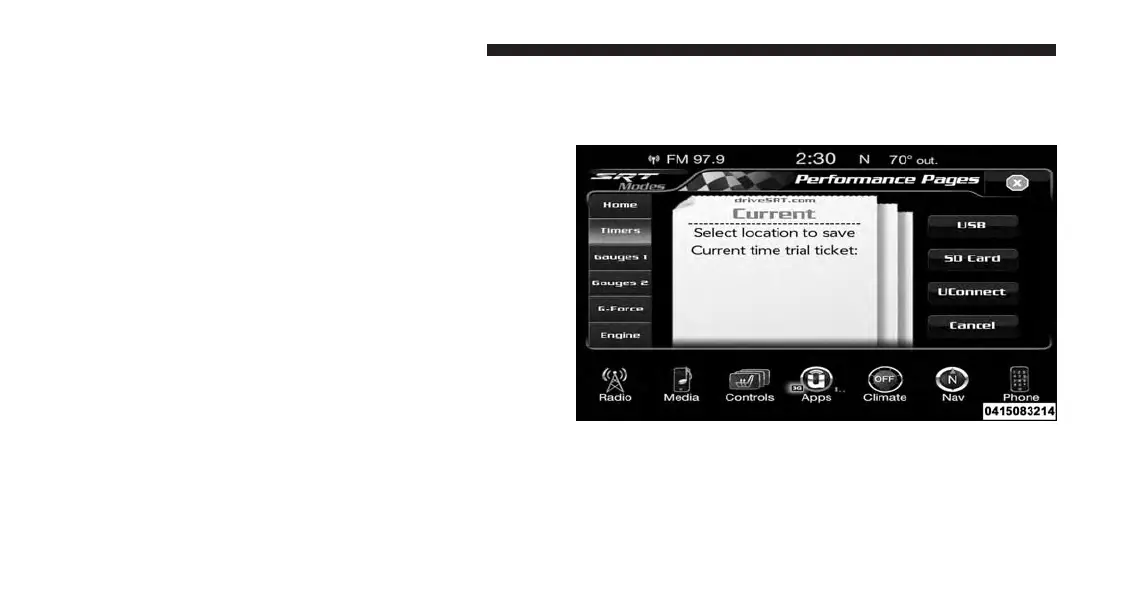
When the Timers Page is selected you will be able to
select from following “Tickets”:
• Current
Pressing the “Current” button displays a “real time”
summary of the performance timers.
• Last
Pressing the “Last” button displays the last recorded run
of performance timers.
• Best
Pressing the “Best” button displays the best recorded run
of performance timers, except for braking data.
• Save
Pressing the “Save” button will let you save the current,
last or best page currently being viewed. Any saved run
over 10, will overwrite the oldest saved run for Uconnect
System storage. The operation of the Save feature is listed
below:
• With a USB jump drive installed, press the “USB”
button to save runs to the jump drive.
SRT Performance Pages — “Save”
302 UNDERSTANDING YOUR INSTRUMENT PANEL













 To Next Page