UCONNECT® MULTIMEDIA — VIDEO
ENTERTAINMENT SYSTEM (VES)™ — If Equipped
Getting Started
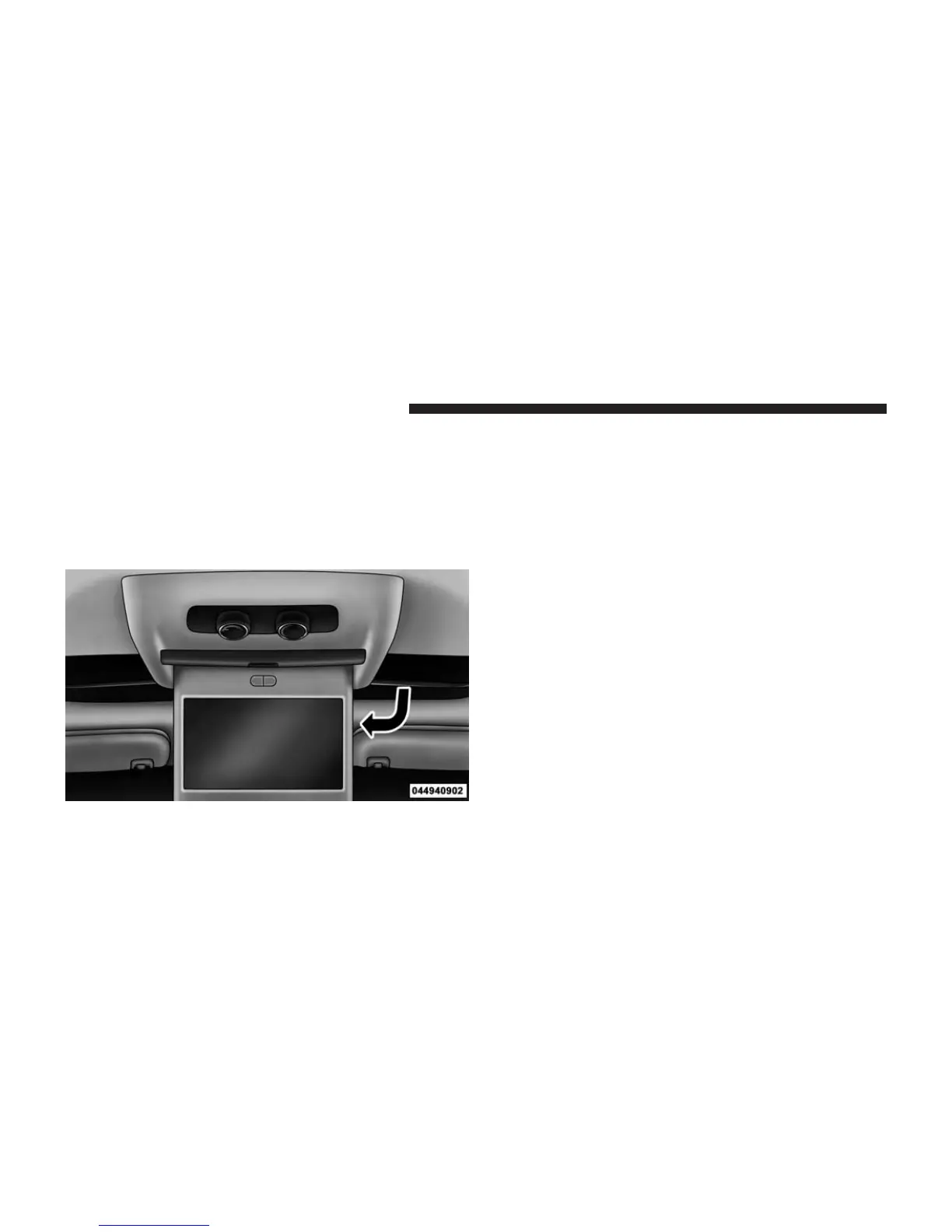
• Screen located in the overhead console: Unfold the
overhead LCD screen by pushing the button in the
center of the overhead console behind the screen.
• With the ignition switch in the ON or ACC position,
turn the radio on by pushing the ON/OFF Volume
Control knob.
• When the Video Screen are open and a DVD is inserted
into the VES™ player, the screen turns on automati-
cally, the headphone transmitters turn on and play-
back begins.
Single Video Screen
NOTE: Typically there are two different ways to operate
the features of the Video Entertainment System (VES)™.
• The Remote Control
• The Touch-Screen Radio (If Equipped)
Play A DVD
1. Press the OPEN/CLOSE or LOAD hard-key on the
radio faceplate (Touch-Screen).
Overhead Video Screen
388 UNDERSTANDING YOUR INSTRUMENT PANEL













 To Next Page