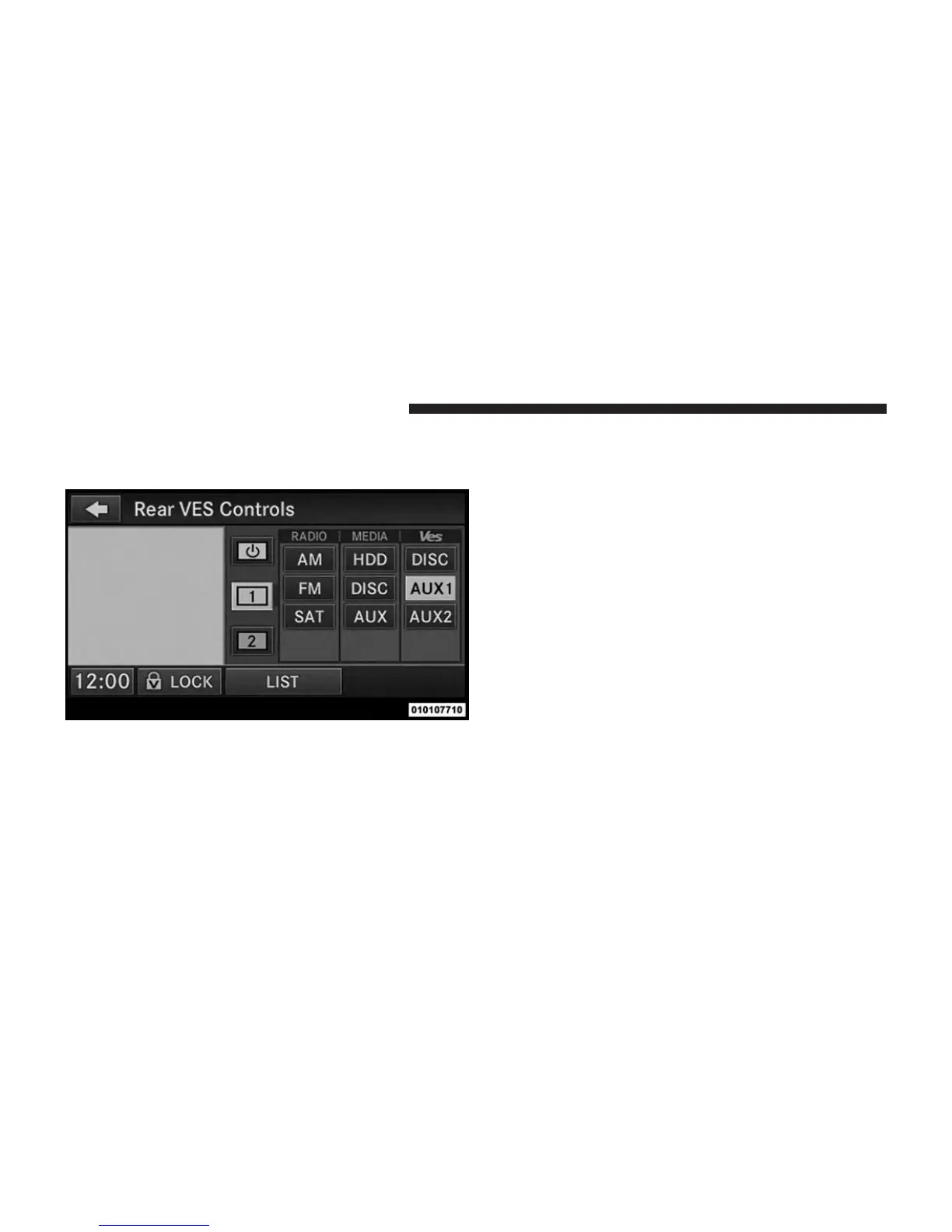
3. Touch the 1 soft-key and then touch AUX 1 in the VES
column. To exit press the back arrow soft-key at the
top of the screen.
Listen To An Audio Source On Channel 2 While A
Video Is Playing On Channel 1
Ensure the Remote Control and Headphone switch is on
Channel 2.
Using The Remote Control
1. Press the MODE/SOURCE button on the Remote
Control and the Mode Select Screen will display,
unless a video is playing then only a small banner will
appear on the bottom of the screen.
Select Channel/Screen 1 And AUX 1 In The VES
Column
394 UNDERSTANDING YOUR INSTRUMENT PANEL













 To Next Page