Icon Description
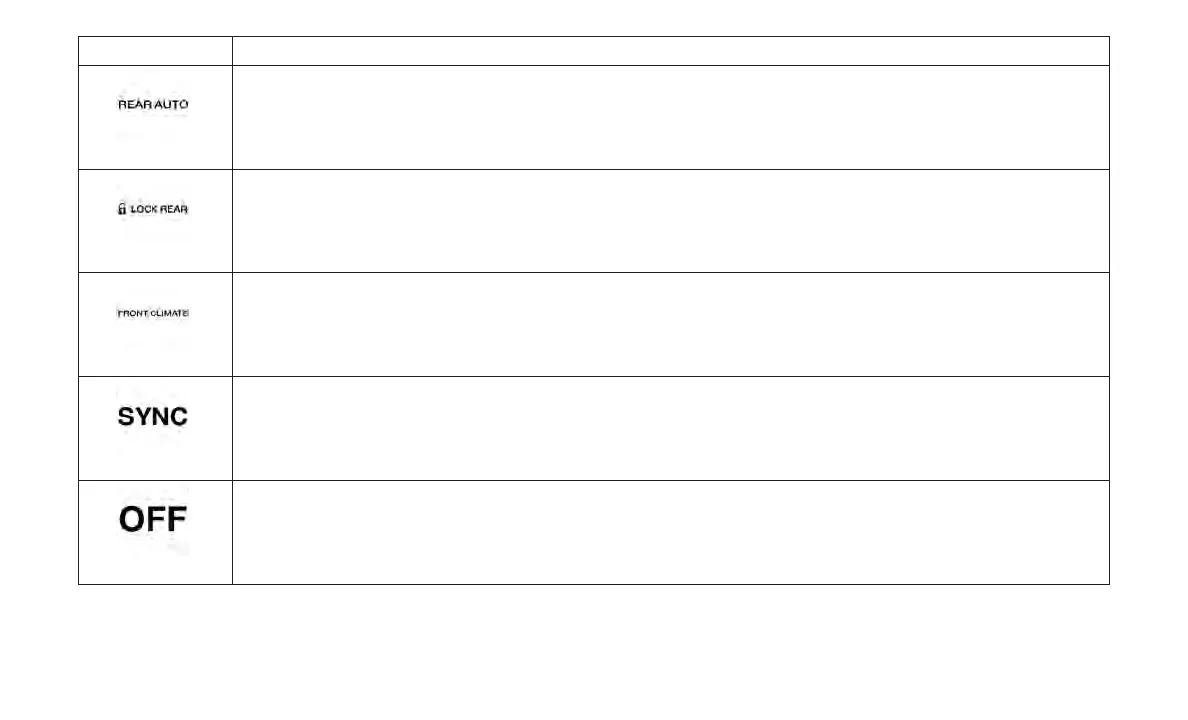
Rear Auto Indicator
This indicates when the system is in Rear Auto mode.
Rear Lock Button
Press and release to lock out the rear manual temperature controls from adjusting the rear temperature and blower settings.
Front Climate Button
Press and release to return to the Front Climate Control Screen.
SYNC Button
Press the Sync button on the touchscreen to toggle the Sync feature On/Off. The Sync indicator is illuminated when this fea-
ture is enabled. Sync is used to synchronize the passenger temperature setting with the driver temperature setting. The Sync
feature also synchronizes the rear passengers’ temperature to the driver temperature setting. Changing the passenger tem-
perature setting while in Sync will automatically exit this feature.
Rear Climate Control OFF Button
Press and release this button to turn the Climate Control ON/OFF.
57















 To Next Page