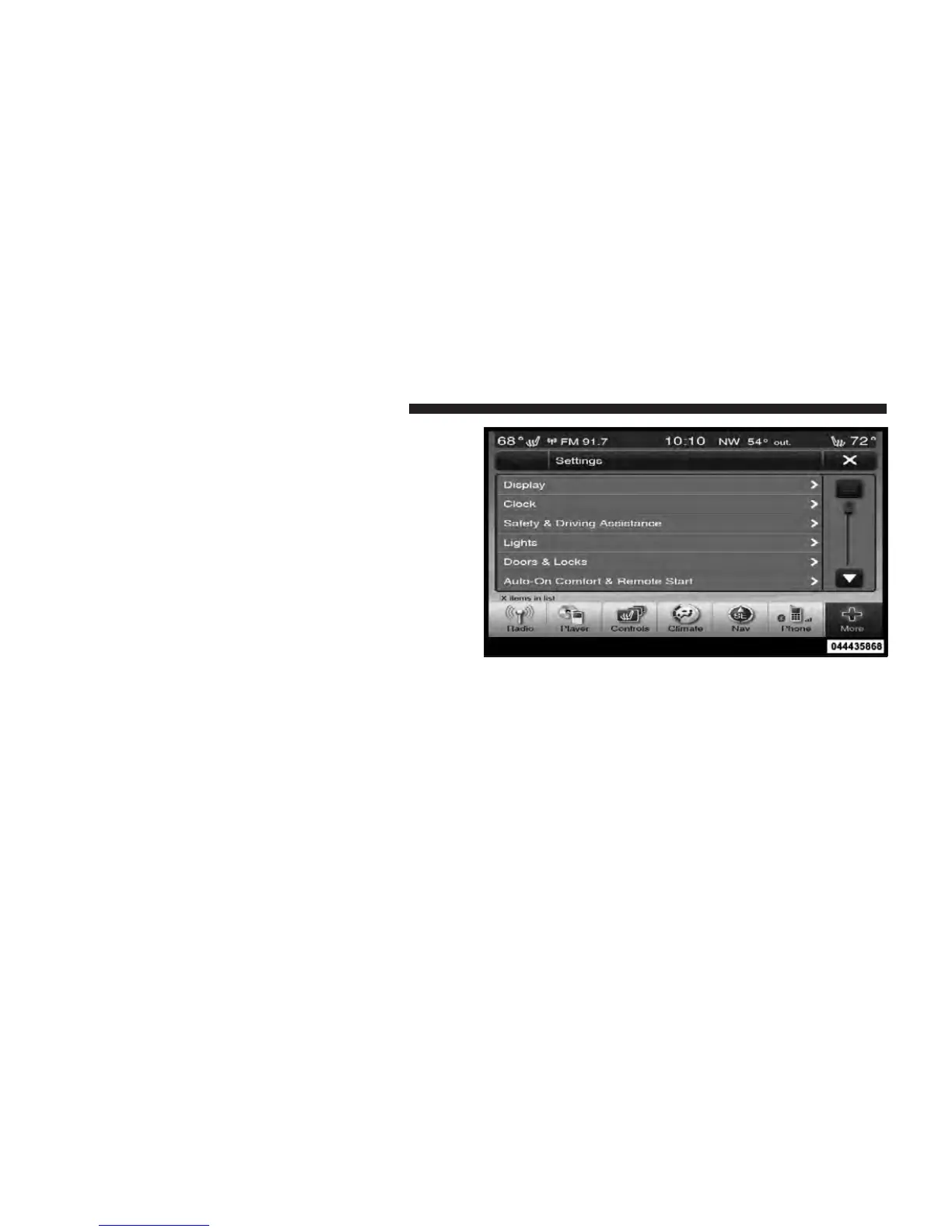
Customer Programmable Features — Uconnect
Touch™ System 8.4 Settings
Touch the More soft-key, then touch the Settings soft-key
to display the menu setting screen. In this mode the
Uconnect Touch™ system allows you to access program-
mable features that may be equipped such as Display,
Clock, Safety/Assistance, Lights, Doors & Locks,
Auto-On Comfort & Remote Start, Engine Off Operation,
Compass Settings, Audio, Phone/Bluetooth and SIRIUS
Setup.
NOTE: Only one touchscreen area may be selected at a
time.
When making a selection, touch the soft-key to enter the
desired mode. Once in the desired mode touch and
release the preferred setting until a check-mark appears
next to the setting, showing that setting has been se-
lected.
Uconnect Touch™ 8.4 Soft-Keys
308 UNDERSTANDING YOUR INSTRUMENT PANEL














 To Next Page