Your SRT vehicle is equipped with a Drive Modes feature
which allows for coordinating the operation of various
vehicle systems depending upon the type of driving
behavior desired. The Drive Modes feature is controlled
through the Uconnect® radio and may be accessed by
performing any of the following:
• Pushing the SRT button on the instrument panel
switch bank.
•
Selecting “Drive Modes” from the “SRT & Apps” menu.
• Selecting “Drive Modes” from within the Performance
Pages menu.
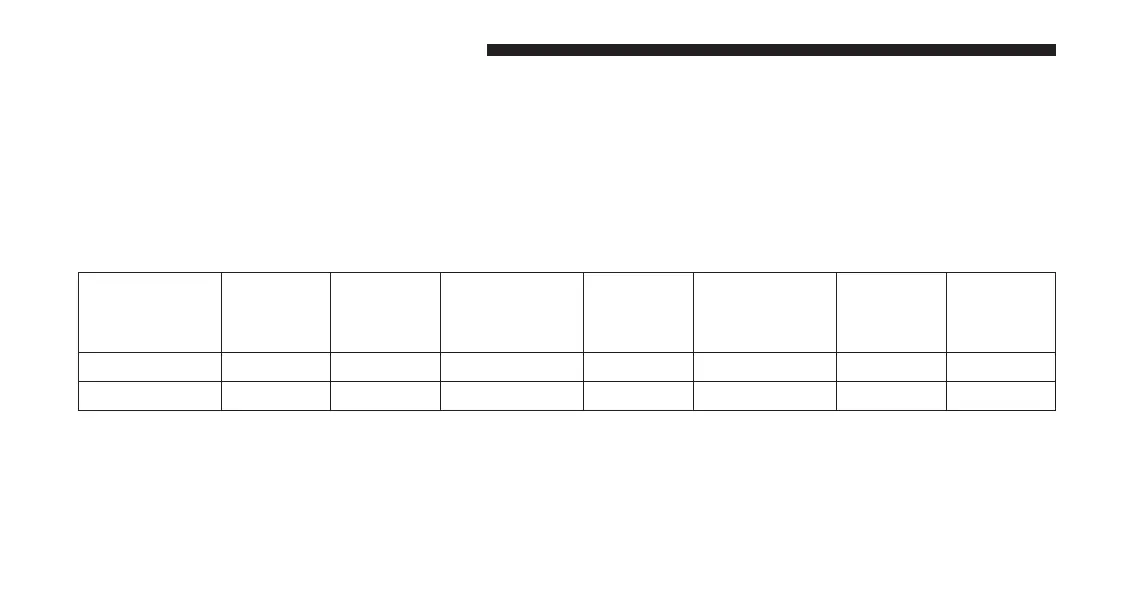
NOTE: Not all options listed in this manual are available
on every vehicle. Refer to the chart below for all available
Drive Mode vehicle configurations.
Engine/
Transmission
Red Key/
700+ HP
Black
Key/500
HP
Transmission
Paddle
Shifters
Suspension Steering Traction
6.2L X XXXXN/AX
6.4L N/A N/A X X X X X
The SRT Drive Modes main screen displays the current
drive mode and real-time status of the vehicle’s perfor-
mance configuration. The selectable Drive Modes buttons
are Track, Sport, Custom, or Default and will be high-
lighted when displaying the current configuration. Infor-
mation shown below each drive mode button will indi-
cate the actual status of each system, along with a graphic
that displays the status of the vehicle’s components. The
316 UNDERSTANDING YOUR INSTRUMENT PANEL












 To Next Page