VOICE COMMAND QUICK REFERENCE
Uconnect® 8.4A Voice Command Quick Reference
• If the Uconnect
®
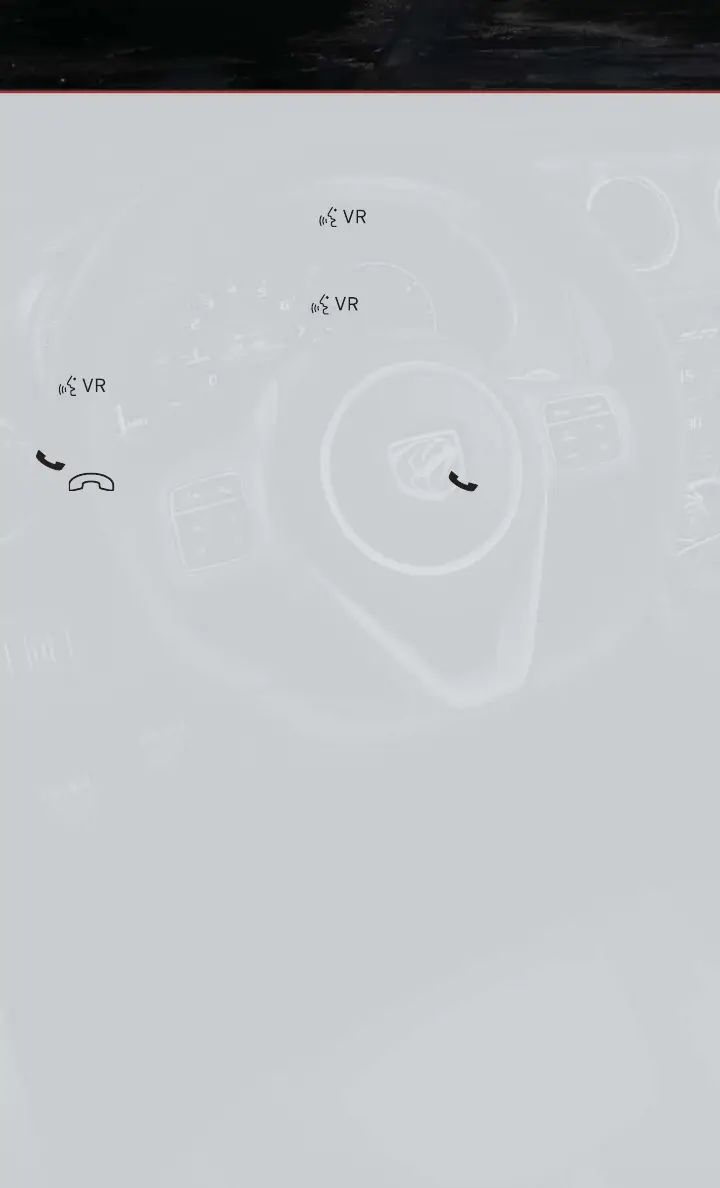
V oice Command button exists on your steering wheel,
you have the Voice Command feature, which is optimized for the driver . The Voice
Command feature lets you keep your hands on the wheel, your eyes on the road, and
control navigation and media sources.
• When you press the Voice Command
button located on the steering wheel, you
will hear a beep. After the beep, give your command. If you do not know what
commands to say, you can say “help” and the system will provide options to you. If you
ever wish to interrupt the system while it lists options, press the Voice Command
button, after the beep, say your command.
NOTE:
All phone oriented voice commands are accessible by first pressing the Phone Pick Up
button, not the Voice Command button. To end a call, simply press the Phone Hang
Up
button. In some vehicles, the Phone Pickup button serves the dual
purpose of ending calls as well.
Voice Command (VR) User TIPs
• To hear available commands, press the Uconnect
®
V oice Command button and say
“Help”. Y ou will hear available commands for the menu displayed.
• At any time, you can say the words “Cancel” or “Help”. These commands are universal
and can be used from virtually any menu. All other specific commands can be used
depending upon the active application.
•
You can interrupt the system prompts at any time by pressing the Uconnect
®
V oice
Command button while the system is speaking. After the beep, you can say a command.
• Y ou can ‘chain’ commands together for faster results. Say “Navigate to 1234 Main
Street Hometown, California”, for example.
• For best performance, adjust the rearview mirror to provide at least ½ in (1 cm) gap
between the overhead console (if equipped) and the mirror .
• Always wait for the beep before speaking.
• Speak normally, without pausing, just as you would speak to a person sitting a few
feet/meters away from you.
• Make sure that no one other than you is speaking during a V oice Command period.
ELECTRONICS
62










 To Next Page