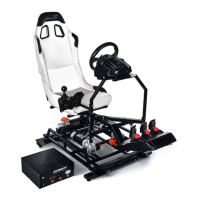
Method 2: Placing the camera off rig. this will yield the same results as above, however you will be able to get
off the rig and move around (in the room, as well as in the game). You might move slightly around in the game
depending on the settings of the simulator.
Method 3: Placing the camera on rig. If you wish to place the camera on rig and you do not wish to cover the
lens, you might need to turn down movement on the simulator to a low setting. This will minimize the "hopping"
and will give you a smooth experience with the HMD.
Some customers prefer the camera on the platform, some prefer it mounted separately. Try multiple
configurations and choose the one that suits you best.

 To Next Page
 Loading...