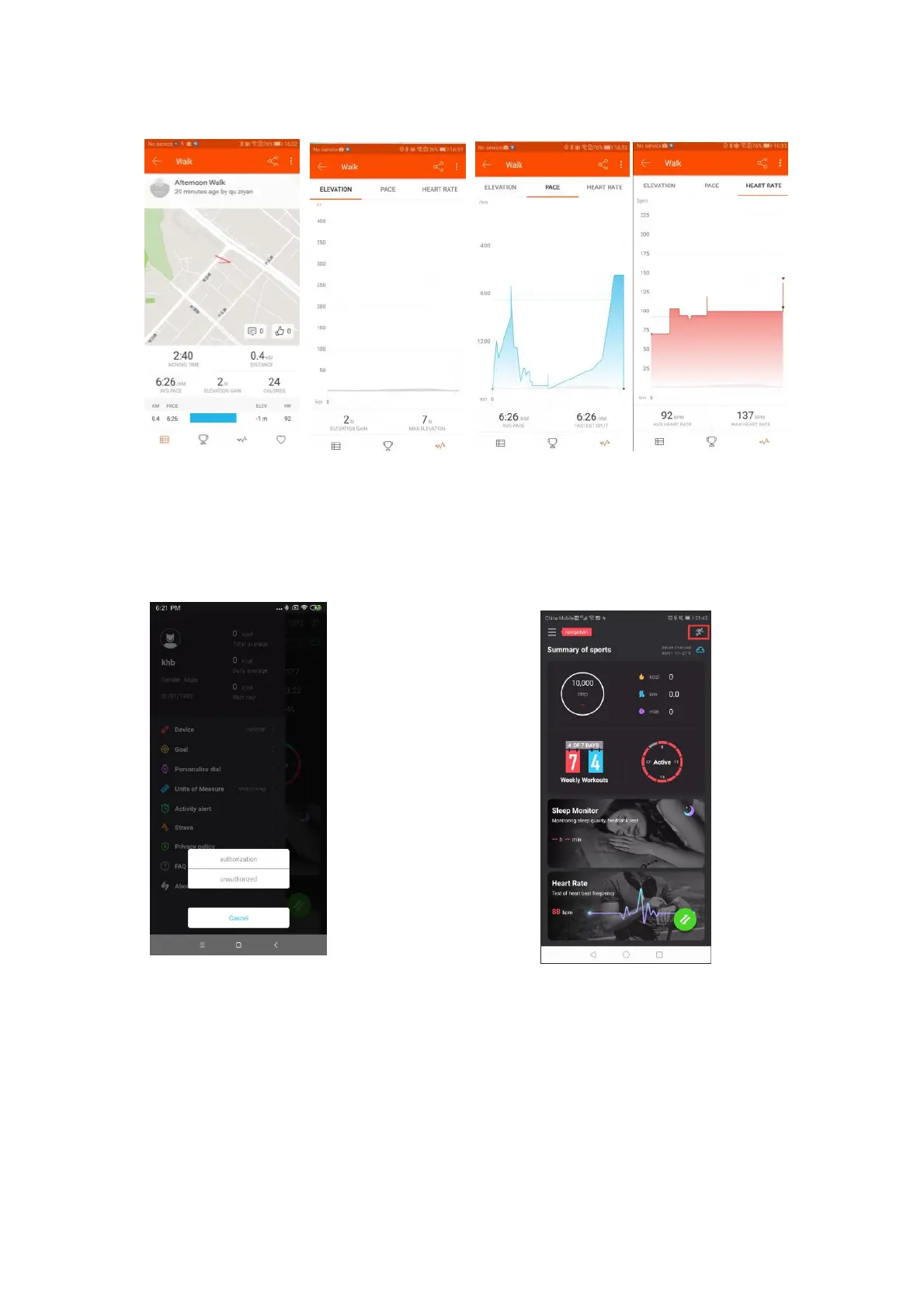
Pic. 47 Strava data display
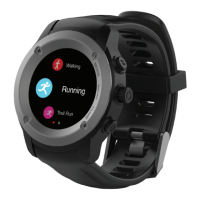
Once authorized to Strava, the App will use the authorized account that was
logged in by default. If you want to change your account or cancel your
authorization, you need to go to the sliding interface and click Strava to
cancel the authorization (see Pic.48).
Pic.48 Cancel Strava Authorization Pic. 49 Sports data entry
9.3 Sport data function
Select the motion icon (top right hand corner of the home page) to enter the
motion record list (Pic 49 and Pic 50).
Select a single motion view to view the detailed data record. The statistics
for each motion track only show the current data (Pic 51).


 To Next Page