8.4.4 During exercise, scroll right to left to pause/stop exercise.
8.4.5 To access details of recent activities, swipe right to left on that activity:
to delete, tap on activity details and select “delete”.
Weather9.
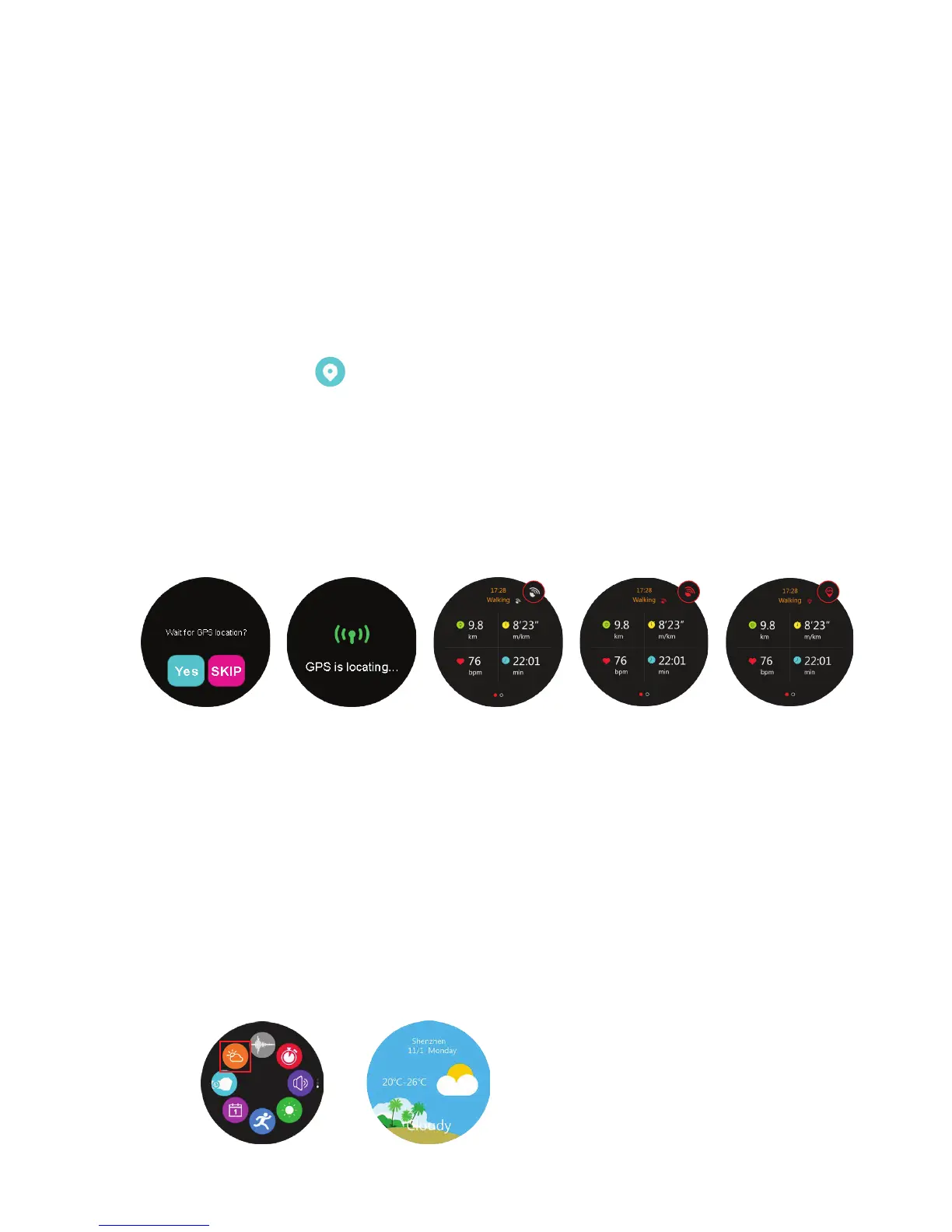
8.4 Tracking GPS:
8.4.1
8.4.2 To enable GPS, ensure that you are outside and the position of the watch
is correct (facing upwards).
8.4.3 When GPS has been successfully connected, the icon in (e) will appear
Waiting
(a) (b) (c) (d) (e)
Positioned
GPS Off
GPS on,
but failed
GPS
successful
8.3 Heart rate: select whether you wish to track heart rate or not
(see instructions in 3.7).
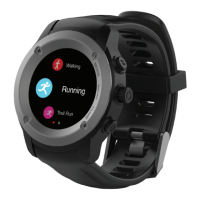
8.1 Tap sport mode in Submenu 3 to select activity: walking, running, biking, run
indoor, trail run, hiking.
8.2 Enter selected mode.
8.2.1 Start in freestyle to commence activity without any pre-determined
goal/targets.
8.2.2 Set personalized goals for your activity, and start in either distance,
calories consumed, time, or speed goal setting (if required). Your activity
will then be monitored against this goal.
9.1 Tap weather icon in Submenu 3 t
o see weather
8.5 After saving exercise you may upload to Strava or to favourite training App.
(See section 2.8)
Mode sub-menu 3 Weather
Select whether you wish to track with GPS: if you select No, distance
and average speed for biking will not be measured. However, for walking,
running, trail running, hiking, the distance and the average speed will be
measured through the watch pedometer (not as accurate).


 To Next Page
 Loading...