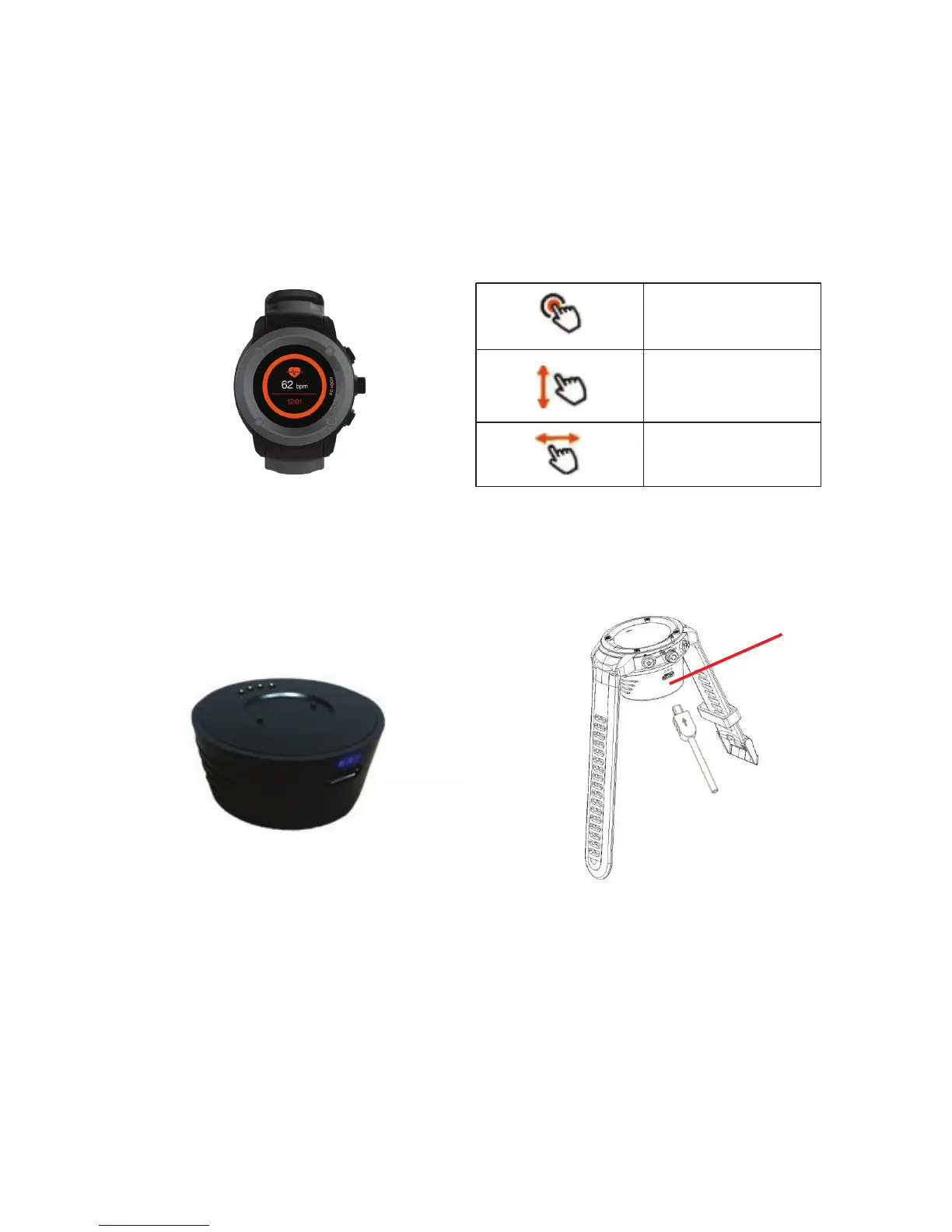
Controls1.1
Tap the screen
Swipe le or right
Swipe up or down
1. Product Overview
1.1.1 Power button: Power On/ Off: Waken/turnoff screen: Back to main menu.
1.1.2 Rotary button: turn to select functions: press in to confirm screen request.
1.1.3 Shortcut button: press to enter sports mode directly: when screen is off,
press to turn screen on.
Charging1.2
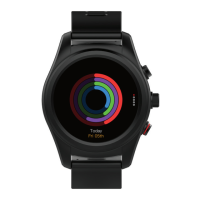
Use external Power Base which attaches magnetically.
1.2.1 Smartwatch battery capacity = 400mAh: Power Base is 400mAh.
1.2.2 Charge Smartwatch by attaching Power Base, which can simultaneously
be attached to external power source.
1.2.3 When charging Power base, the blue lights will flash until fully
charged: (blue lights will then remain on, without flashing).
Shortcut
Rotary
Power
Mic hole
Button Index Touch Screen
Power Base
Magnetic
Connector
USB Charge


 To Next Page