15. How to turn on or off the auxiliary light?
Make sure that the clipper is powered on the any mode and briefly press the RESET button at the
bottom of the clipper handle to turn the light on or off.
16. How to charge the clipper?
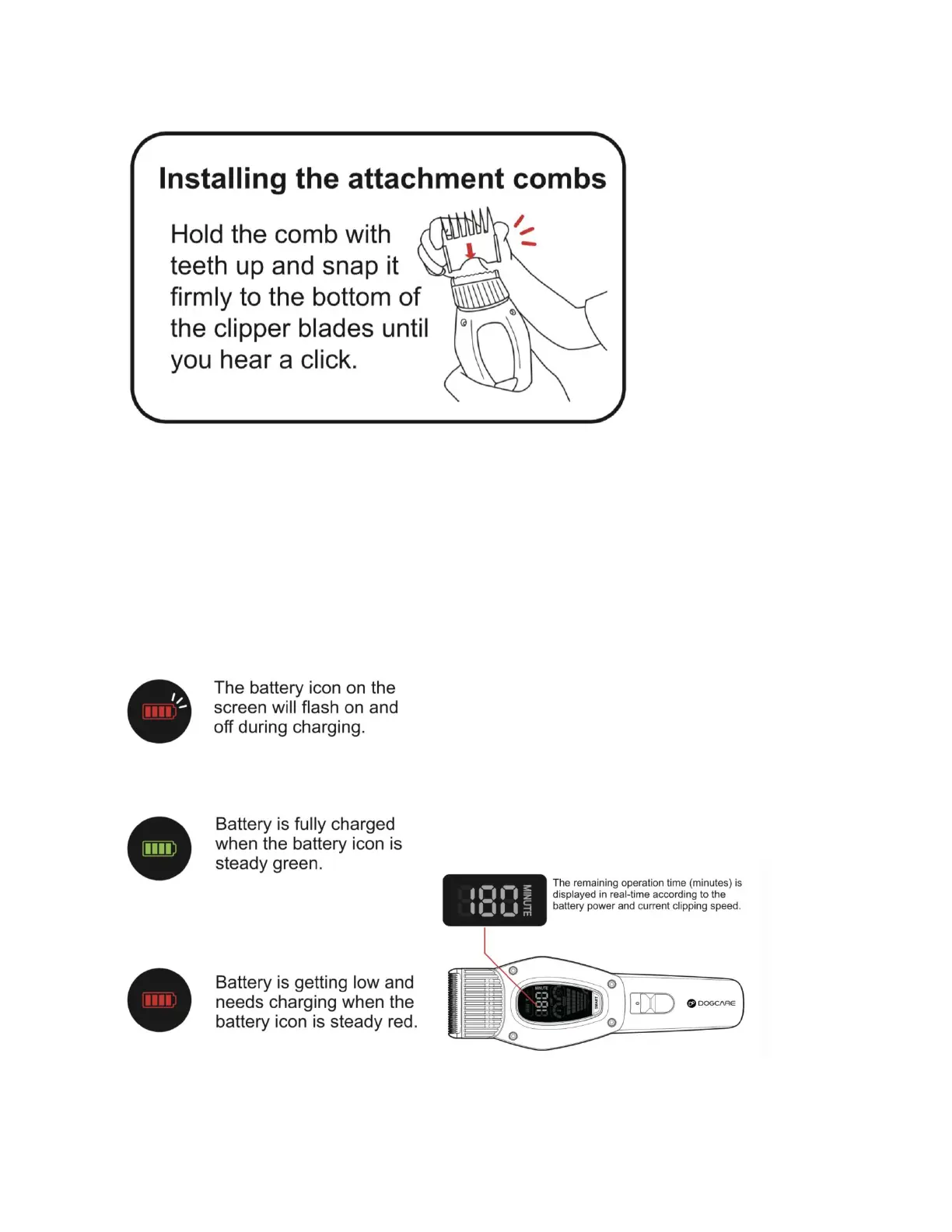
a. Connect to a USB port using the cable included in the box. If using a USB adapter to connect to
the power outlet, make sure that the adapter is 5V/1A.
b. It takes about 3-4 hours to fully charge. You will know that the battery is fully charged when the
battery icon on the display is steady green.
c. The clipper will not turn on while being charged.
17. How to remove the blades?



 To Next Page