Get started
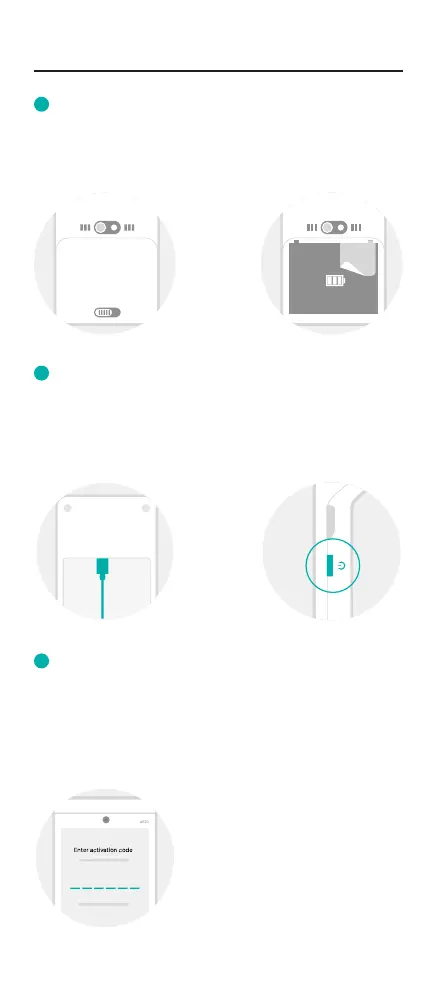
Open the back of the card machine to remove the battery
and peel off the protective sticker.
Connect the USB cable to the power adapter and plug into
the charging base. To power on your machine, hold down
the power button for 2-4 seconds.
You’ll need to connect to Wi-Fi to set up your machine -
simply follow the steps on-screen. Make sure your Wi-Fi is
password protected. Once connected, you’ll need to enter
the activation code we sent you to complete setup.
Remove the battery protection sticker
Power it up
Connect to Wi-Fi
Enter activation code
A 920
1
2
3



 To Next Page