Dolby
®
Digital Cinema Presentation System User’s Manual 59
Chapter 5
Dolby NA10
TheDolby
®
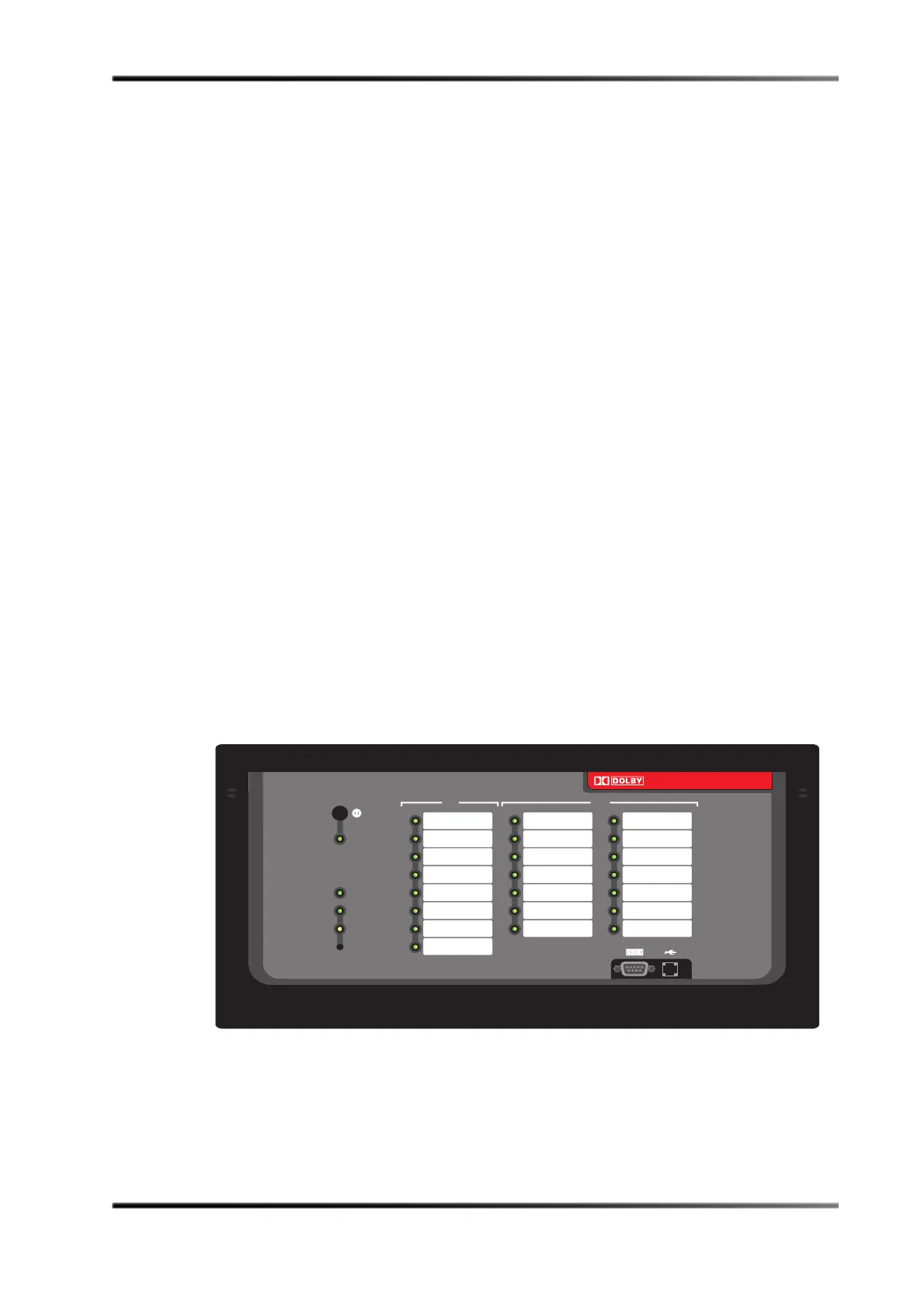
NA10NetworkAutomationInterfaceintegratestheDolbyDigitalCinema
presentationsystemwithexistingcinemahardware.Theunitprovidesthevitallink
betweentheDolbyShowManagertheatremanagementsoftwareandtheexistingtheatre
automationequipmentthrougha10BASE‐TEtherne tconnection.TheNA10providesa
bridgebetweena10Base‐T
EthernetportandageneralpurposeI/Ointerface.
TakingcuesfromtheDolbyShowStorethroughitsEthernetport,theNA10activates
cinemafunctions,suchasmachinestart/stop,houselightingcontrol,curtainmotorcontrol,
andothertheatreassets.TheNA10alsoacceptsfilm‐basedcuesfromexistingequipment.
TheNA10reports
thesecuestotheDolbyShowManagersoftware,whichenablesremote
monitoring.
TheNA10isnotmeanttoreplaceexistingfilm‐basedautomationequipment.Inahybrid
filmandDolbyDigitalCinemasystem,theNA10isconnectedinparallelwiththeexisting
automationcontroller.Thisconfigurationeasesdigitalcinemasystem
integrationand
allowstheDolbyShowStoreandtheDolbyShowManagersoftwaretocontrolthe
requiredautomationfunctionsduringapresentation.Bysimplifyingthecommunication
betweentheDolbyDigitalCinemasystemandtheexistingcinemaautomation,theNA10
allowsyoutomonitorandcontrolafilmprojectionsystemandother
theatreassets.Thisis
especiallyusefulifyourshowcontentcontainsbothfilmanddigitalmedia.
ADolbyauthorizedservicerepresentativeusestheNA10setupsoftwaretoconfigurethe
I/Ointerface.Nodirectuserinterventionisrequired.
Figure 5-1 Dolby NA10
NA10
Network Automation Interface
power
network
online
offline
input
output
10
11
12
13
14


 To Next Page