EasyManua.ls Logo

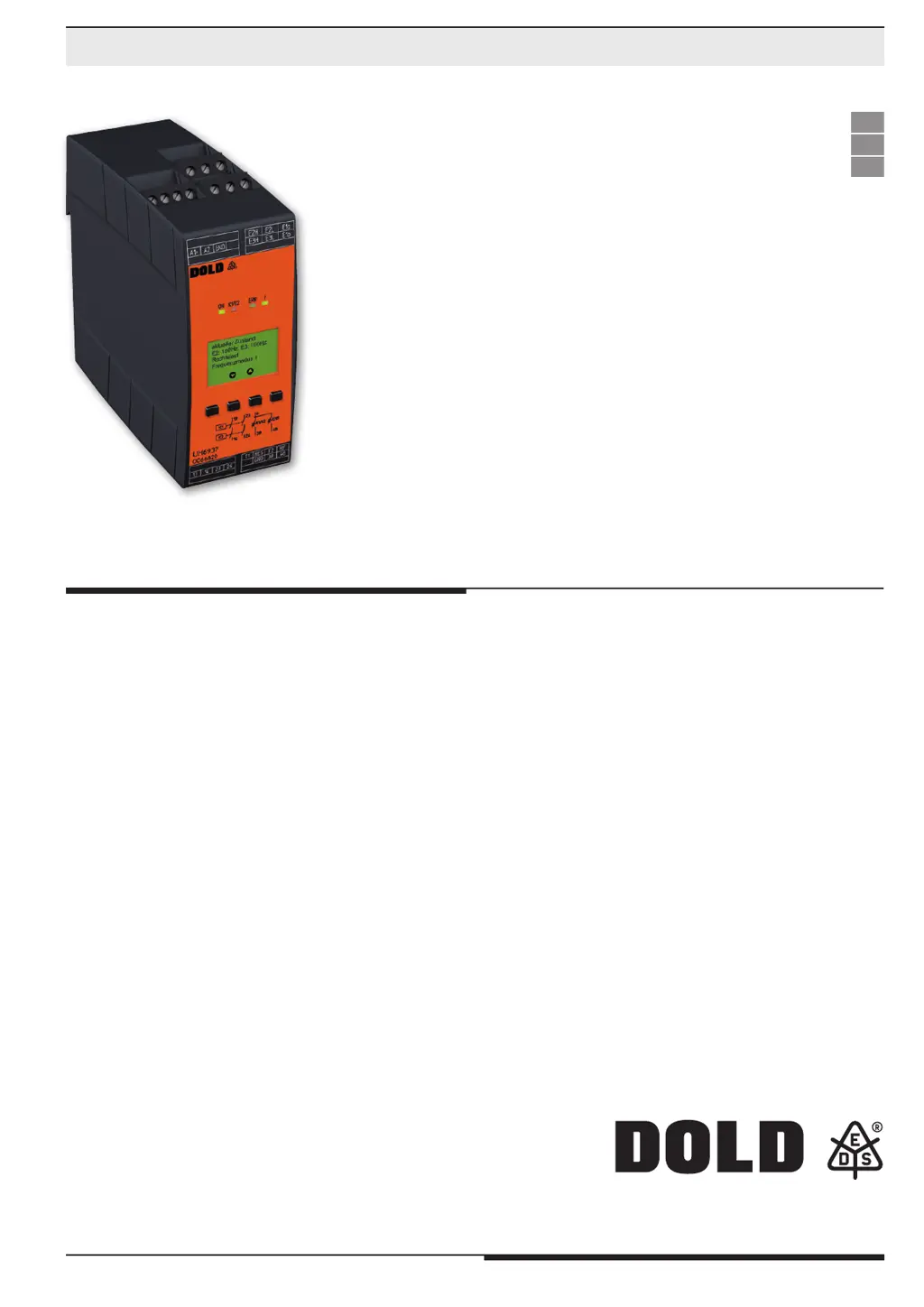
DOLD SAFEMASTER S - User Manual

DOLD SAFEMASTER S
60 pages
Go to English
Print Icon
To Next Page IconTo Next Page
Loading...
1
UH 6937 / 23.03.23 de / 715A
SAFEMASTER S
Frequenzwächter
UH 6937
0272174
Datenblatt / Betriebsanleitung DEUTSCH
Original
DE
EN
FR
E. Dold & Söhne GmbH & Co. KG
Bregstraße 18 • 78120 Furtwangen • Deutschland
Telefon +49 7723 654-0 • Fax +49 7723 654356
dold-relays@dold.com • www.dold.com

Table of Contents

Questions and Answers

  • M
    Madison HullAug 11, 2025
    How to fix the red flashing LED “ON” on DOLD Monitor?
    • R
      Ricardo RamosAug 11, 2025
      If the LED labeled “ON” on your DOLD Monitor flashes red, this indicates a parameterization error. Please refer to the display for a detailed description of the error to resolve it.
  • D
    Daniel JohnsonAug 18, 2025
    What to do if the LED “ERR” is continuously on in DOLD Monitor?
    • H
      haasjeffAug 19, 2025
      If the LED labeled “ERR” on your DOLD Monitor stays on constantly, this indicates a device failure. Try restarting the device. If the problem persists after restarting, replace the device.
  • A
    Anna RodriguezAug 27, 2025
    Why is the LED “ERR” flashing red on my DOLD Monitor?
    • K
      Kimberly GarciaAug 27, 2025
      If the LED labeled “ERR” on your DOLD Monitor flashes red, it indicates an external failure. Check the display for a detailed description of the failure and follow the instructions provided there.
  • M
    martinwilliamSep 2, 2025
    How to troubleshoot LED “ON” not lighting up on DOLD Monitor?
    • B
      Brian FletcherSep 2, 2025
      If the LED labeled “ON” on your DOLD Monitor does not light up, it could be due to the power supply A1+/A2 not being connected. Check the power supply connections at A1+/A2 to ensure they are properly connected.

Summary

Safety Notes and Warnings

Electrical and Fire Hazard Warnings

Warnings about electrical risks, fire hazards, and proper installation safety.

Functional Error and Installation Faults

Notes on potential functional errors, proper enclosure, and protection circuitry.

Product Description and Features

Product Overview

Overview of the SAFEMASTER S Frequency Monitor UH 6937's features and capabilities.

Circuit Diagrams and Connections

Connection Terminals Explained

Identifies terminal designations and their respective signal functions for wiring.

Application Scenarios

Device Functions and Operation

Functional Operation Explained

Detailed explanation of frequency and rotation monitoring functions and relay behavior.

Device and Function Description

Digital Input Configuration

How to configure frequency modes using digital inputs SW1 to SW4.

Muting Functionality

Explanation of overriding monitoring functions via the muting feature.

Parameterization Menu Structure

Frequency and Rotation Parameterization

Configuration of frequency limits, direction of rotation, and monitoring functions.

Hysteresis and Time Delay Settings

Adjusting hysteresis, start-up delay, reset delay, and alarm delay.

Technical Data

Troubleshooting and Fault Handling

Characteristic Curves: Input Voltage vs. Frequency

Characteristic Curves: Current Limit

Application Examples

Connection Technology and Dimensions

Safety Related Data Summary

Frequency Monitoring Safety Data

Safety data for frequency monitoring according to EN ISO 13849-1 and EN IEC 62061.

Rotation Monitoring Safety Data

Safety data for rotation monitoring according to EN ISO 13849-1 and EN IEC 62061.

EC Declaration of Conformity

UK Declaration of Conformity

Parameter Documentation Form

Setting Parameters Documentation Form

Parameter Adjustment Documentation Form

DOLD SAFEMASTER S Specifications

General IconGeneral
Supply voltage24 V DC
Category4
PLe
SILCL3
Width22.5 mm