4
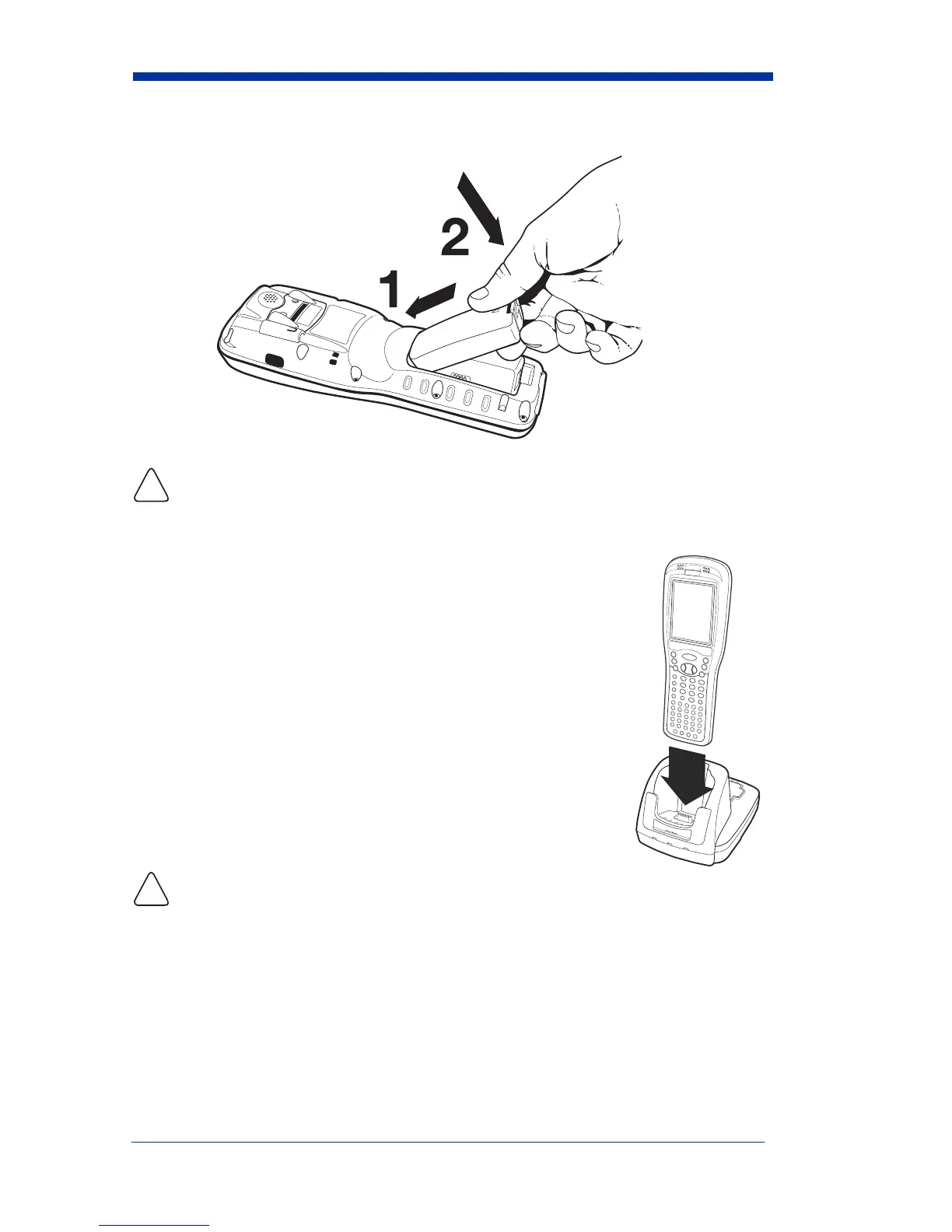
Step 1: Install the Main Battery Pack
We recommend use of Honeywell Li-Ion battery packs. Use of any non-Honeywell
battery may result in damage not covered by the warranty.
Step 2: Charge the Batteries
The power supply consists of two types of battery power: the
main battery pack installed in the back panel and the backup
battery located inside the terminal.
The main battery powers the terminal and charges the internal
backup battery. The internal backup battery maintains the
data stored in RAM memory and keeps the system clock
running for up to 30 minutes when the main battery is
completely discharged or removed.
Terminals are shipped with both batteries completely
discharged. Charge the main battery pack for a minimum
of 4.5 hours before initial use in the terminal!
Connect the terminal to a Dolphin 9900 powered charging
peripheral - see page 5.
We recommend use of Honeywell peripherals, power cables, and
power adapters. Use of any non-Honeywell peripherals, cables, or power adapters may
cause damage not covered by the warranty.
DOCK
AUX BATTERY
COMM



 To Next Page