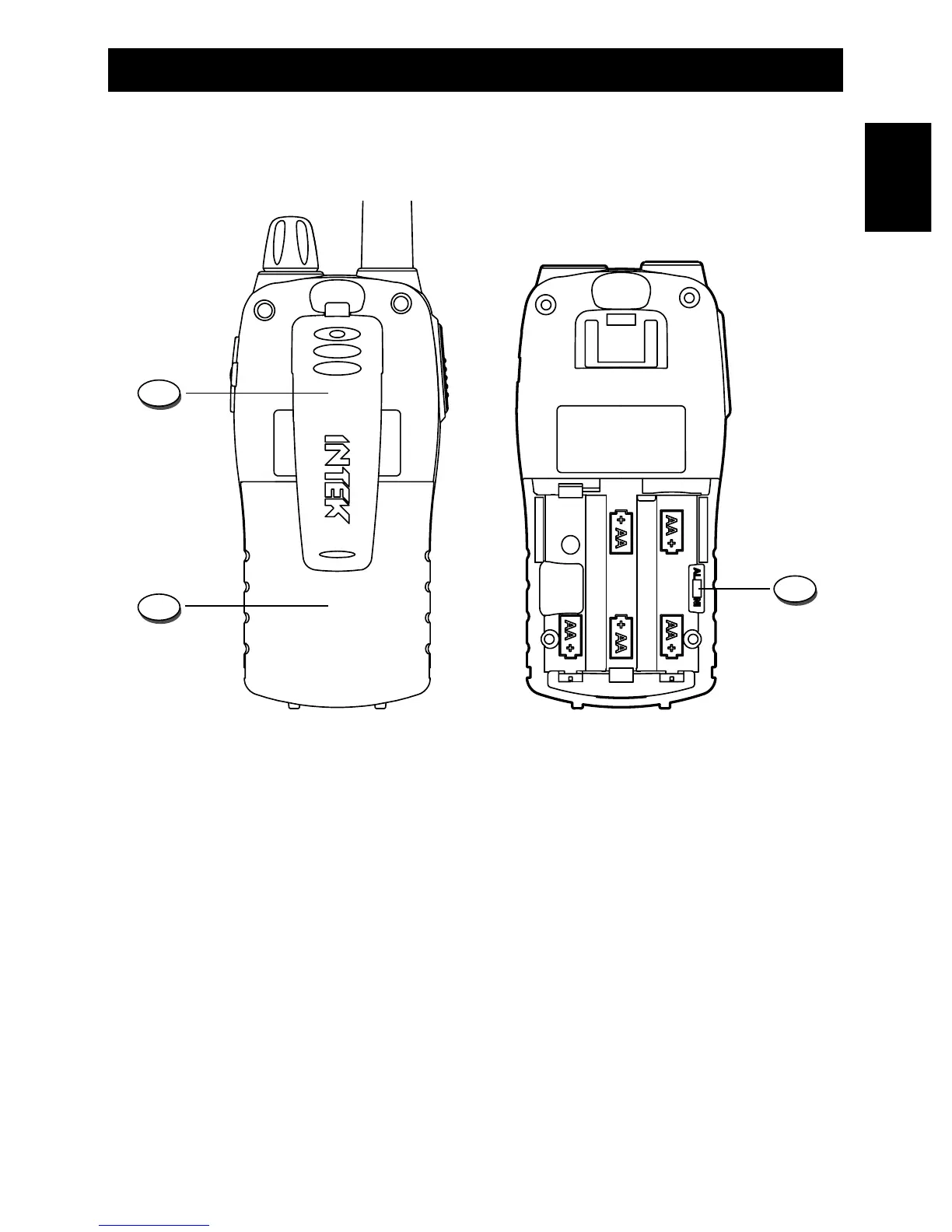
16. Belt Clip
1. To install the belt clip, slide it down into the special slot situated in the rear side of the
unit, until the block system make a click.
2. To remove the clip, pull the block tab toward exterior and slide the clip toward the up
side of the unit.
17. Battery Door
Open this cover (17) to install or remove batteries.
18. Battery Type Selector
The battery type selector (18) is located inside the battery room. Set the switch (18) to Ni if
rechargeable batteries are used. Set the switch (18) to AL if alkaline batteries are used.
Rear Panel


 To Next Page