RUC5(x)08X, RUC6(x)08X, RUC8(x)08X Using the refrigerator
29
9.8 Setting the cooling capacity
I
1. Select the submenu “Cooling capacity” (see table on page 27).
2. Rotate the control knob to set the desired cooling level.
9.9 Setting the child lock
The child lock can be activated to prevent children from using the controls.
1. Select the submenu “Settings” (see table on page 27) and open “Settings”.
2. Push the button to activate or deactivate the child lock.
✔ The symbol is shown on the main menu.
✔ After 10 seconds without operating the control knob, the backlight dims and the child lock is active.
Operating the display with the child lock activated
The child lock can be temporarily deactivated to operate the display. The child lock is automatically reactivated as
soon as the display dims (no operation of the control knob within 10 seconds).
➤ Press the control button 3 times within 1.5 seconds to deactivate the child lock temporarily.
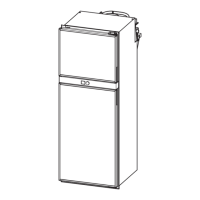
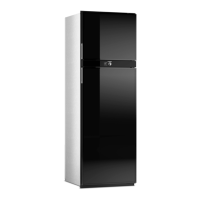
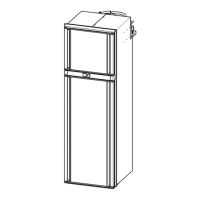
9.10 Using the refrigerator door/freezer compartment door
!
A
I
NOTE
For ambient temperatures of +15 °C to +25 °C, select the average cooling capacity.
CAUTION! Risk of injury
• Ensure that the refrigerator door and the freezer compartment door are locked before setting off
on a journey.
• Always open the doors carefully, as the foodstuff may have slipped and could fall out.
NOTICE! Damage hazard
Do not open the refrigerator door and freezer compartment door further than a 90° angle to avoid
damaging the doors.
NOTE
The refrigerator door and freezer compartment door can be opened from both sides. After each use,
ensure that the doors are closed and you hear a click. The doors will not open on one side until the
other side is firmly closed.


 To Next Page