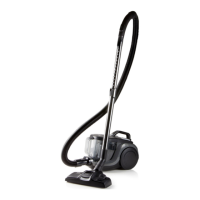
DO7236S
2. Micro lter
when the micro lter, which is situated at the back, becomes dirty you need to clean
it or replace it. When the lter becomes dirty the airow will be obstructed, with the
possibility of over heating your vacuum cleaner. This can lead to a malfunction of
your vacuum cleaner.
1. remove the lid of the micro lter.
2. Clean the lter thoroughly by beating it out or replace it. Don’t wash !
3. Replace the lter.
4. Place the lid back on the vacuum cleaner.
16


 To Next Page