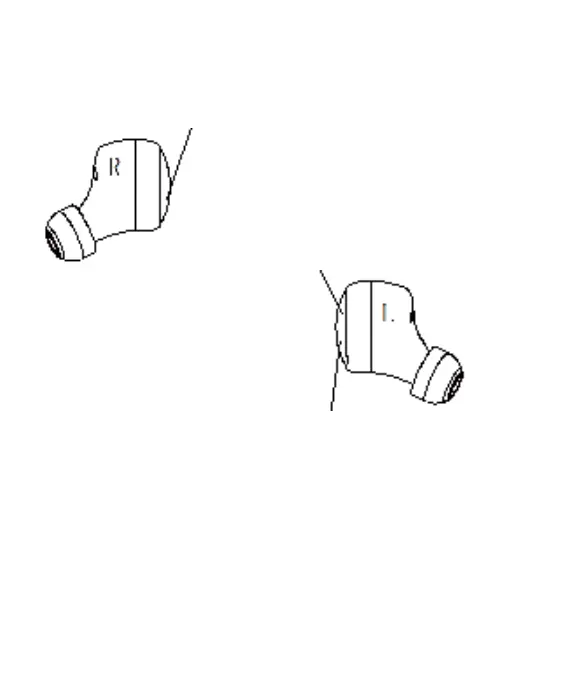
3.Touch Functions:
next:Double click on the right ear touch surface.
Volume reduction:Long press 2S of right ear surface.
Shut down:Long press left ear touch area for 4S
previous:Click twice on the left ear touch area
Volume increase:Long press left ear touch area for 2S
(Note:Left and right devid can be operated)
Activate voice assistant:Continuously click the touch panel three
times
(Note:in standby mode)
Call function:Click once on the touch surface to answer or
hang up the phone .
Reject the call:Double click on the touch surface
Play or pause music:Click once on the touch area
4



 To Next Page