main unit.
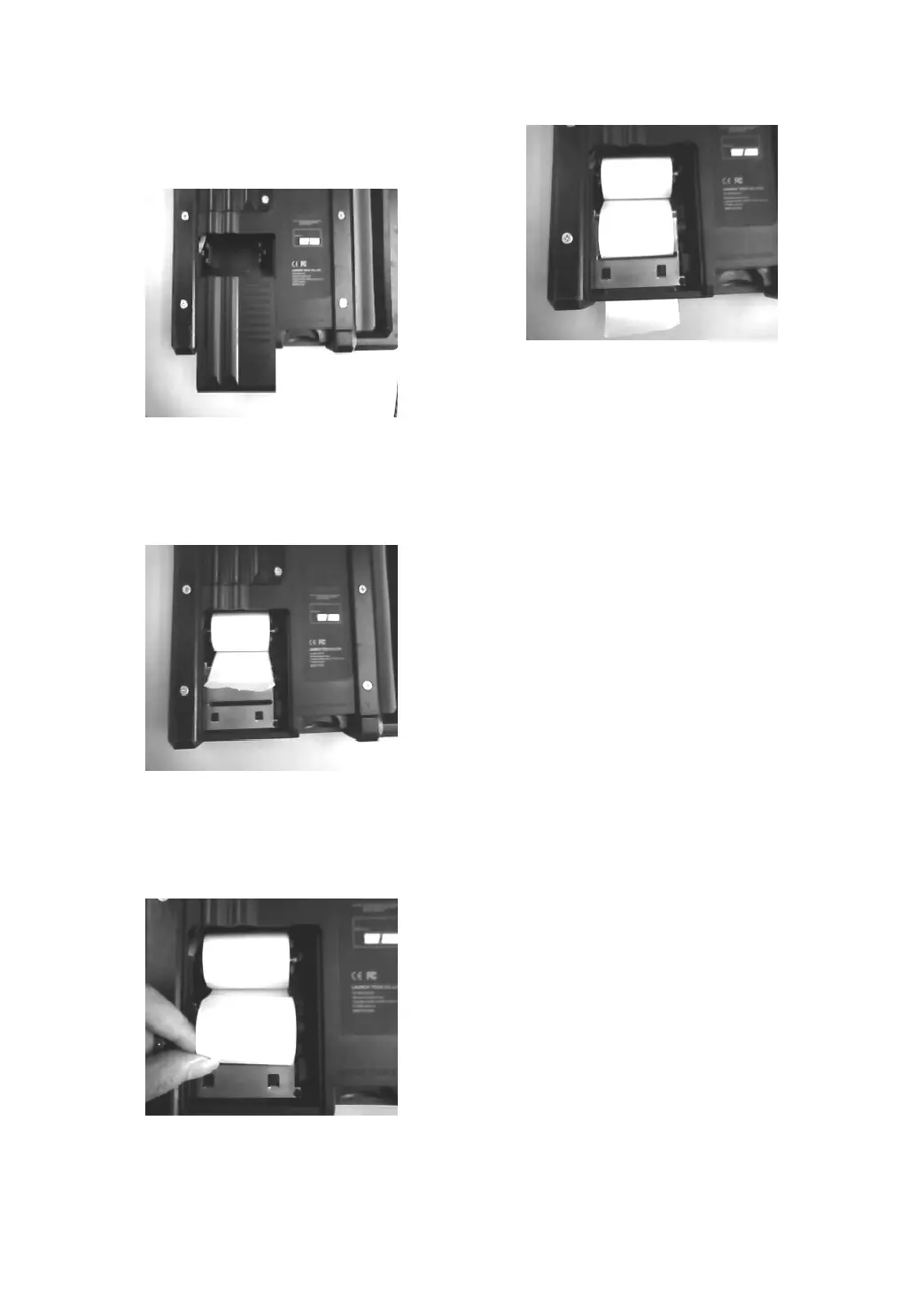
2. Open the paper lid on the back of the printer.
See Figure 1-05a.
Figure 1-05a
3. Take out the spindle and mount the paper
scroll onto the spindle. Put the paper spindle
into the printer with correct direction. The
paper may not be fed if the direction is wrong.
See Figure 1-05b.
Figure 1-05b
4. Open the side plate, pull up the pressing rod
and lead the paper into slot. See Figure
1-05c.Turn the feed knob clockwise until the
paper comes out of the outlet. See Figure
1-05d.
Figure 1-05c
Figure 1-05d
5. Adjust the paper and attach the paper lid.
6. Put main unit into housing.
Specifications
Operating system: LINUX
CF card: 512M
Main unit I/O: standard serial/parallel port
Main unit power source: DC12V
Main unit power: about 5W
Printer: high-speed thermal mini printer
Screen: 240*320 LCD touch screen with
back light


 To Next Page
 Loading...