[Download Center]: Refer to “software
download”.
[Purchase Center]& [Update center]: Refer to
“software purchase and update”.
[Member Information]: Display and renew the
current member information.
[Product Registration]: Register newly
purchased product.
[Order Information]: Check or cancel the unpaid
order.
[Renew Password]: After entering the right old
password, then can renew the password.
[Awarded for complaint] If users meet some
trouble during the operation, he can feedback to
LAUNCH. Effective complaint will be awarded by
LAUNCH
[Logout]: Users exit the registration.
Software Download
After log successfully, the screen will enter the
[download center] interface. (See Figure 3-07)
Registered user can download the software that
installed in the download center.
Before download, users had better set up a new
folder named [DFPV Diag. update] on the
computer desktop and put the download file to
the[DFPV Diag. update] according the next
steps.
Note:
1. Software update of free charge will
be provided by LAUNCH for one
year. The free period is from the
registration date on the website,
not the purchase date. That is,
during one year after the
registration, users can free
download the corresponding
software.
2. If there is not the latest version in
the download center, users can buy
the version in the purchase center
or in the update center. In the
purchase center, users can buy the
software that doesn’t install in the
download center. In the update
center, users can buy the software
that is beyond the free download
period. After purchase successfully,
the purchased software will be
automatically added to the
download center list.
Update Tool Download
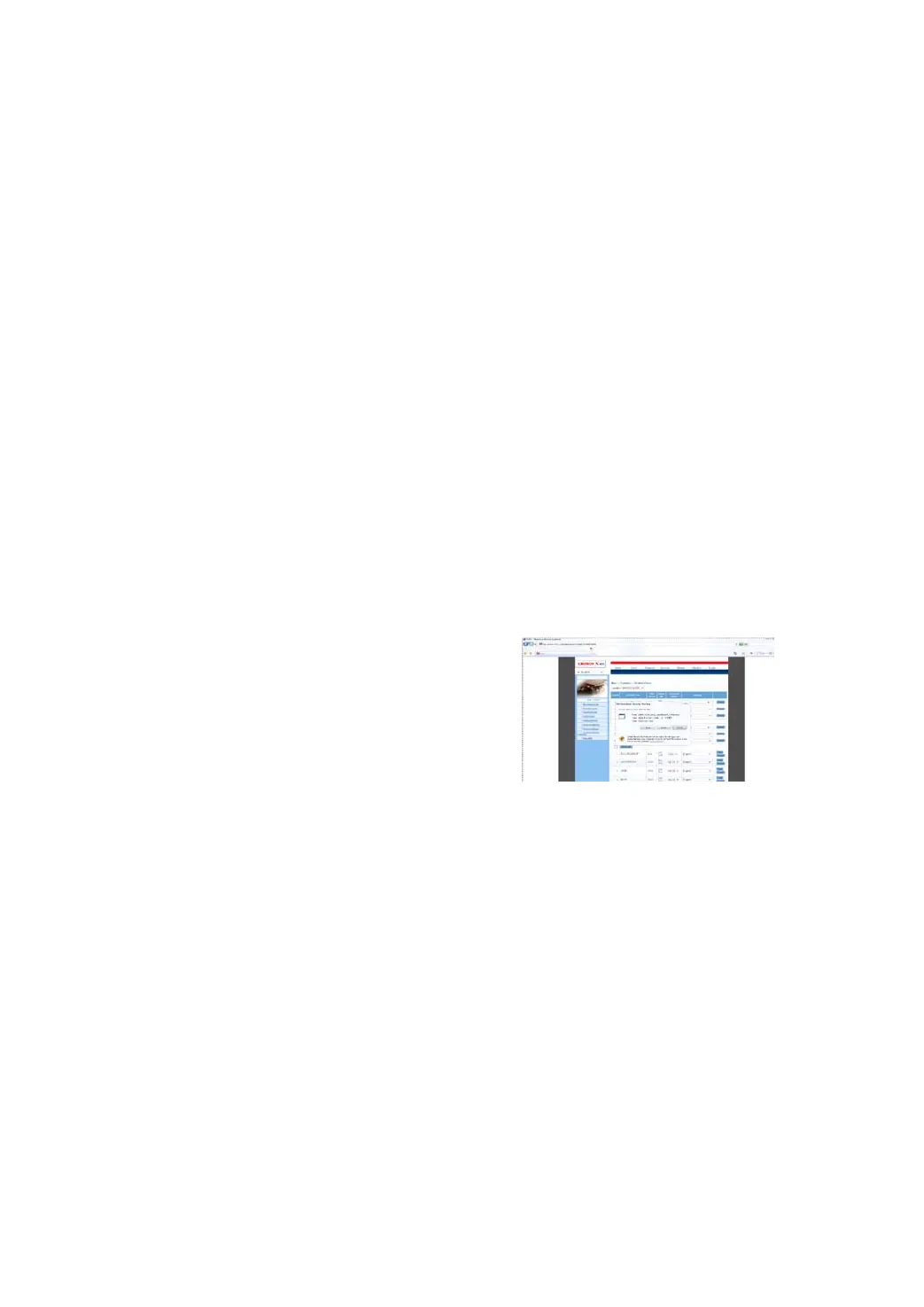
Before update, users must download the update
tools. On the drop-down menu, users select the
language then click [download]. The screen will
display the interface as shown in Figure 3-08.
Figure 3-08
Click [save] to put it into the[DFPV Diag. update].
Display Program Download
When downloading the diagnostic program,
users can also download the display program.
On the drop-down menu, users select the
language then click [down].Click [save] on the
pop-up menu to put the program into the[DFPV
Diag. update].


 To Next Page
 Loading...