Scenario 3:
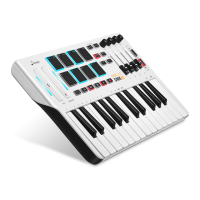
How to modify the mode of transport button?
Press (EDIT) the key combination to open the editing function ->
Press (MODE) the corresponding key to select the content to be modified ->
Click on controls to modify features (such as recording buttons) ->
Enter a value make changes (such as input 0) ->
Press ENTER to confirm ->
End (the transport button is changed to toggle)
Scenario 4:
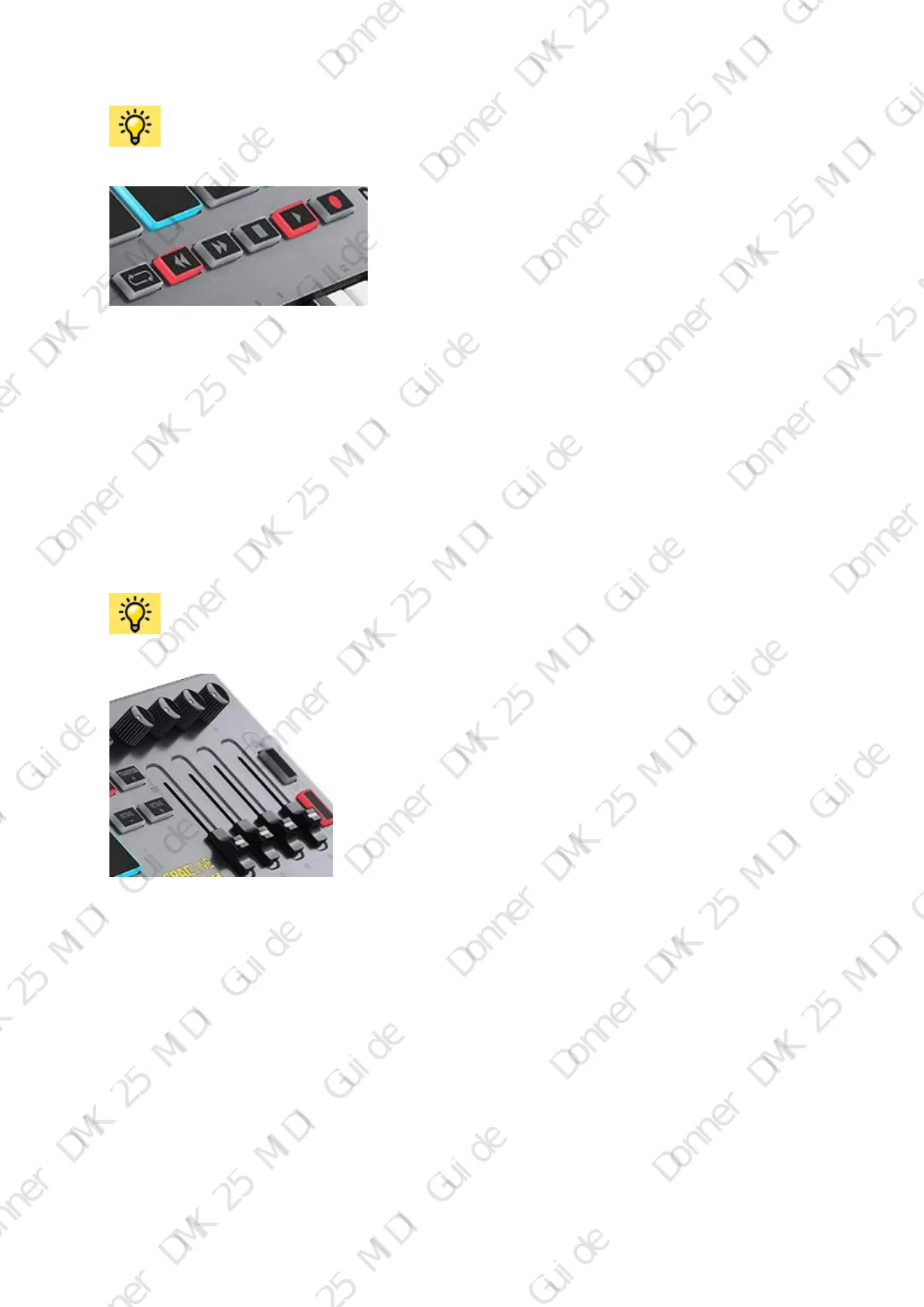
How to modify the mode of CC/ CN of Transport button, Knob and Pushing rod?
Press (EDIT) the key combination to open the editing function ->
Press (CC) the corresponding key to select the content to be modified ->
Click on controls to modify features (such as Knob K1 or Pushing rod S1, etc.) ->
Enter a value make changes (such as input 100) ->
Press ENTER to confirm ->
End (the CC value of the button is changed to 100)


 To Next Page
 Loading...