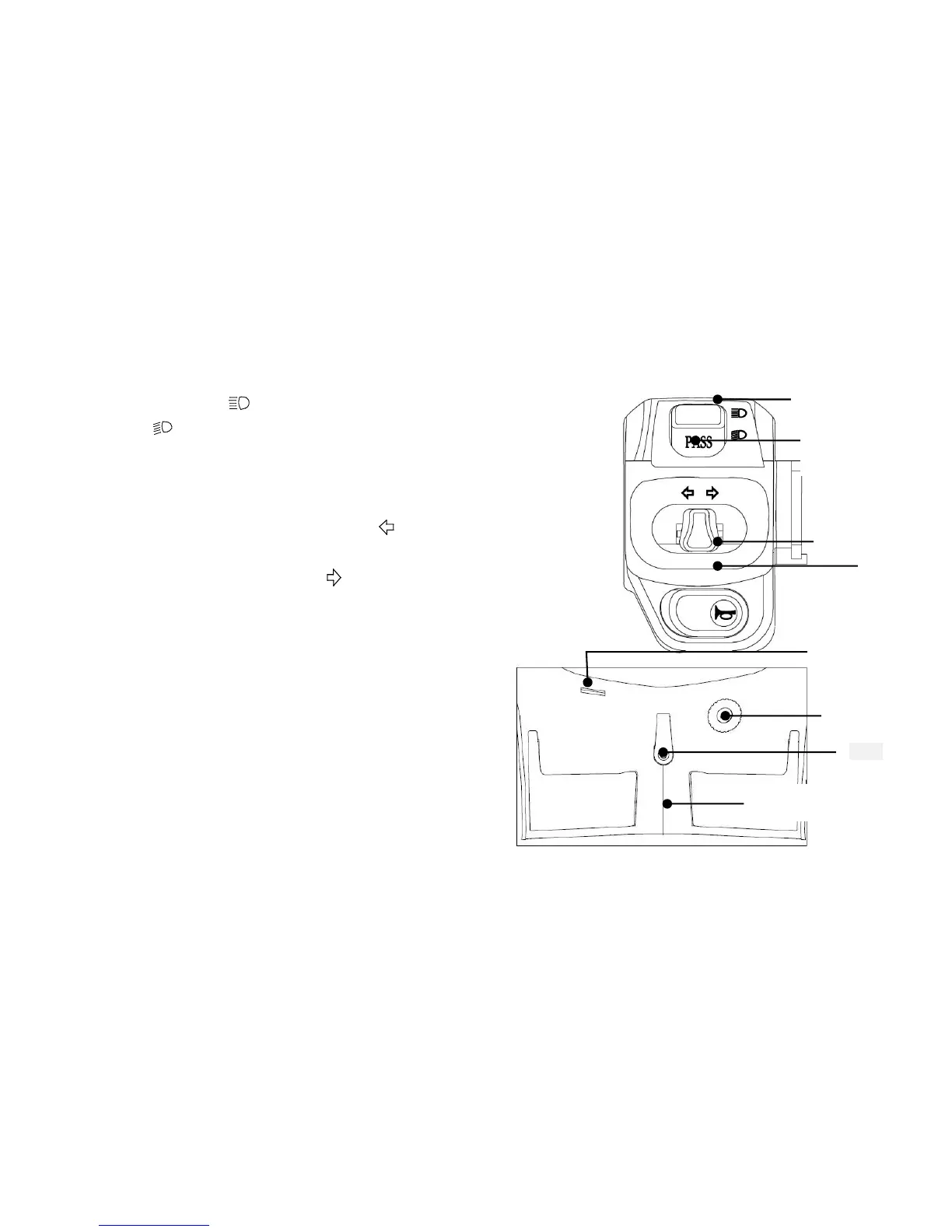
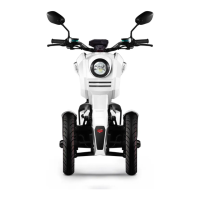
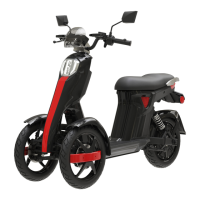
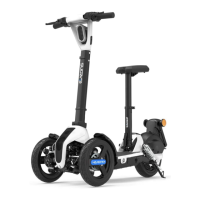
Left combination switches:
1. Headlight dimmer switch:
Press down “ ” to turn on the headlight high beam light; Press down
“ ”to light up the low beam headlight.
2.Overtake indicator light button
Press this button when high beam is on to temporarily use the low beam only.
3. Turning indicator lights button:
Turn left if the button is placed in “ ”position, and the left
turn signal will light up at the same time. Turn right if the
button is placed in the iron“ , and the right turn signal will
light up at the same time. Press the button in the middle
position and the turn signal will turn off.
4. Horn switch:
Press down this button, the horn will beep immediately.
△ Behind the handlebars
Remark:USB interface must not be used for any
electrical appliances except phone chargers.
Otherwise, the factory shall not be responsible for
any damage the occurs.


 To Next Page