Removing DoorBot from a Wi-Fi Network
11
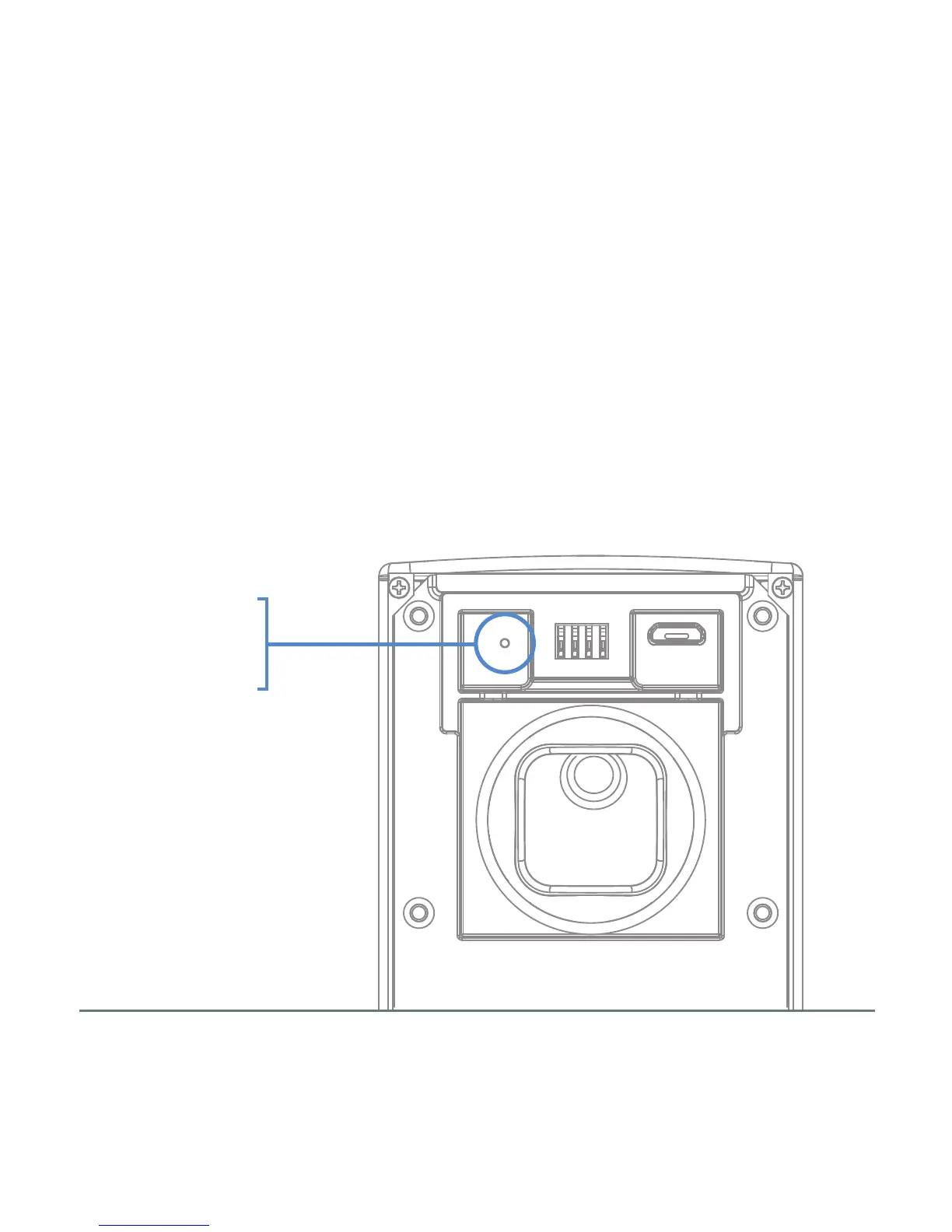
RESET
BUTTON
To change the Wi-Fi network that your DoorBot is connected to, press
the reset button on the back of the device. Once reset, you'll need to
follow the steps in the Quick Install Guide before you can
continue using your DoorBot.


 To Next Page