PAGE 24
Learning process
Turn on the power switch,ensure dip 1 is correct, if direction is wrong,Please
switch the dip to opposite direction,turn off the power and make sure door/window
fully closed,Then power on.
To setting a door should keep press test button in power off condition,then power
on and hear a voice and keep press test button till hear the second voice, the learning
turn will start(this because the controller have operating distance memory)。
Opening width learning(pet):
Full opening width
This dip switch can only turn off the voice of remote ,If need turn off the voice of
wireless push button,it should press learning button ,then switch on or off
Indicator L1 flash 3times,the pet opening width setting is done.
Indicator L1 flash 1 time,the full opening width setting done.
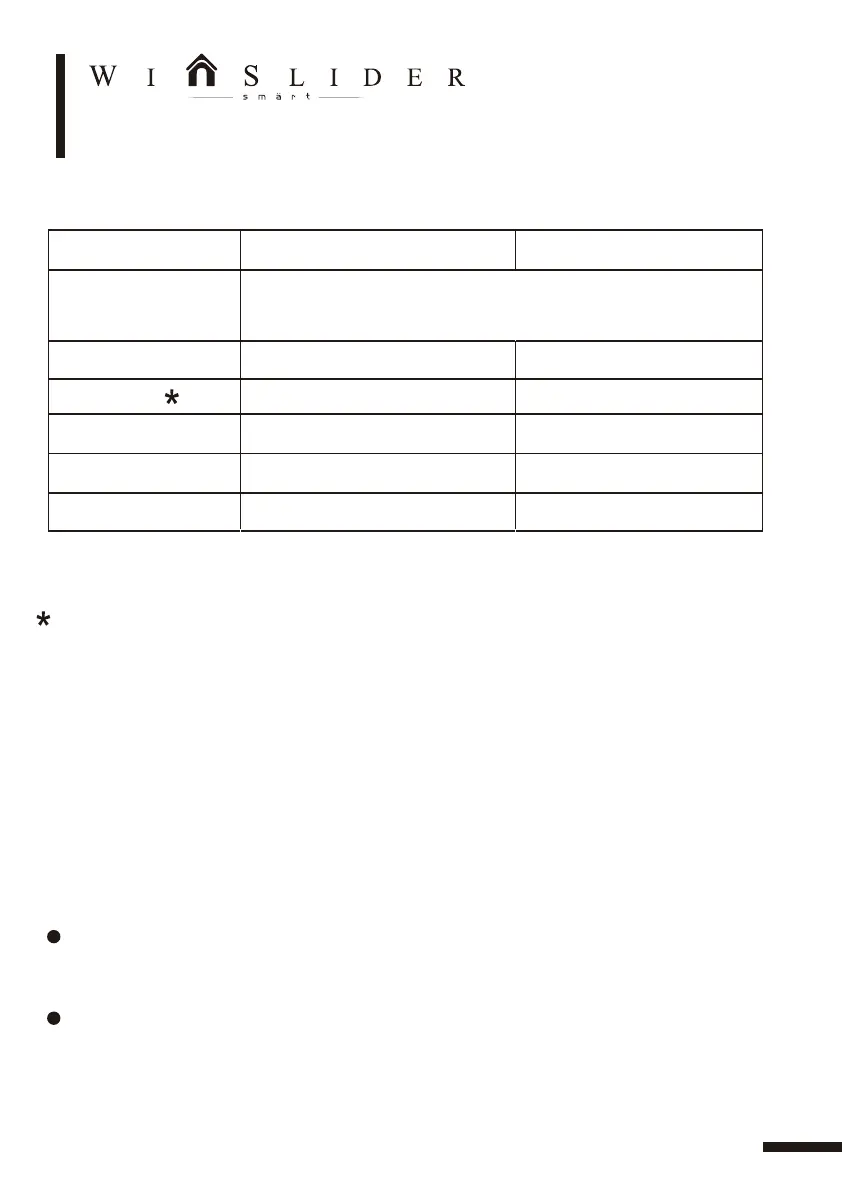
DIP function intro duction and setting
On (upwards) Off(downwards)DIP switch
1.Direction L/R
2.Toggle mode
3. Beeper
4.Door/window
5.Lock mode
6.Slam shut
ON – Left opening, OFF – Right opening. Toggle
(back and forth) to erase memory and re-learn
open/close cycle.
Activate to open activate to close
Normal mode
Beeper enabled Beeper disable
Window mode
Door mode
Automatic lock after full closed Lock only with full lock signal
With rubber Normal operation
DIP Swtich 1 and 4 must power off and restart can switch mode
DATA ADJUSTMENT


 To Next Page