Stand 08.02.2012 Technische Änderungen vorbehalten
Software-Update_Ver1010_GB.doc DORMA KT-Systeme Seite 14 von 14
KTC-2 (MS9)
If all changes are carried out, please put the door system back into operation as
follows:
10. Initial operation of the door system
The emergency-stop is activated
The control system is switched on
Program switch KT on Automatic 1
The curved sliding door wings and the showcase doors are closed
The frequency converter and the CPU are parameterized
Door system is in summer position
Push Select push button and keep it pushed for 4 sec
Release emergency-stop
Learning cycle starts
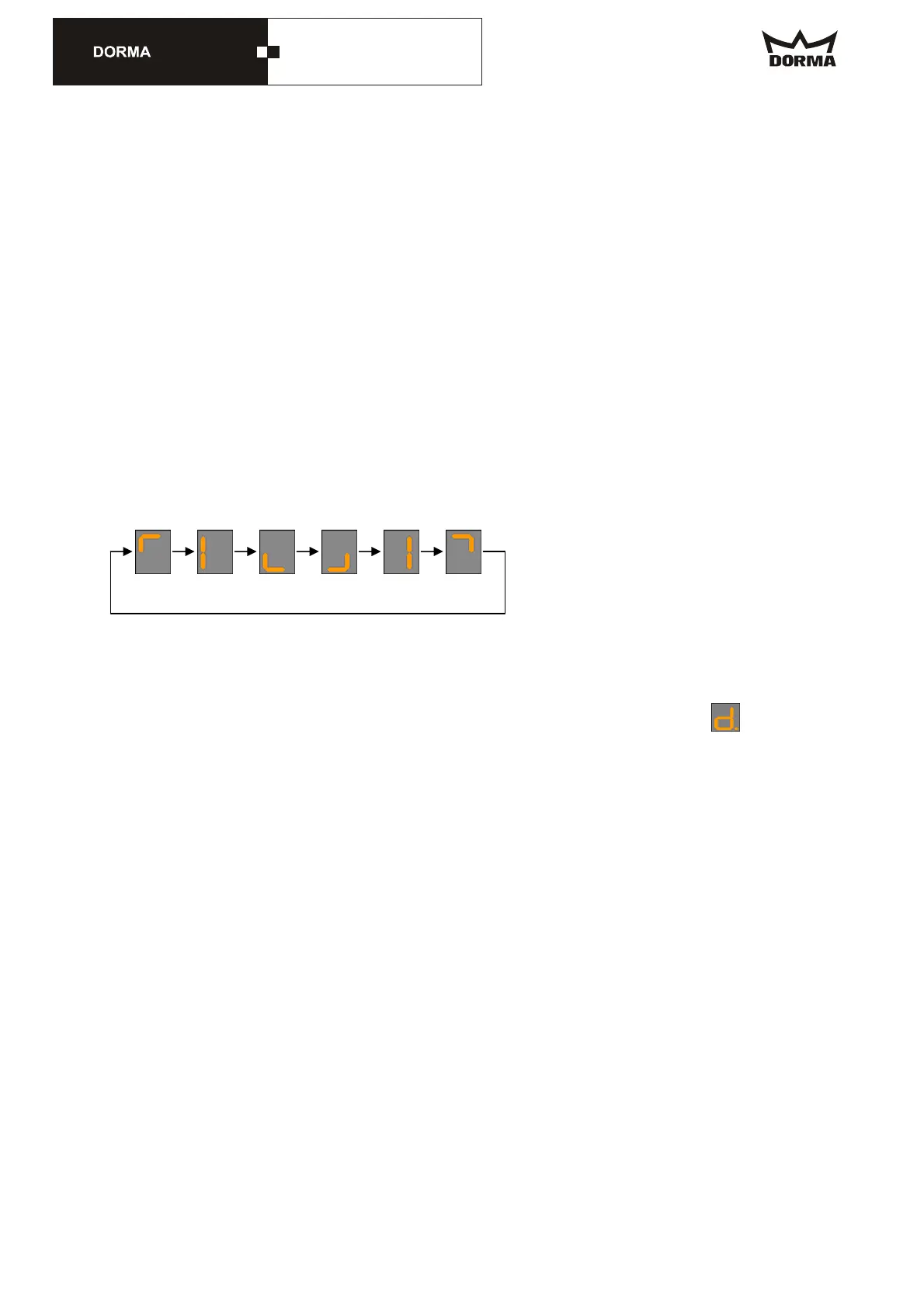
Indication of learning cycle and positioning drive
During the learning cycle and positioning drive the display shows a gyro.
Door system rotates in positioning speed
The door system turns for min. 1 rotation
Afterwards the door system restarts with its regular function
Check all functions according to the original manual and/or the attached chart.
Check if the control system has learned the correct diameter. Check via parameter
.
11. Testing of changes
- Door systems with UPS: Revolving door has to rotate in program switch position
Auto1 or Auto2 into summer position and stop there.
- Program switch position in „Summer“ and the sliding door is in operation (test all
program switch positions of the sliding door), sliding door must stop in case the
emergency-stop is activated and remain in this position as long as this is
activated.
- Check all revolving door functions again.
Done


 To Previous Page
 Loading...