EasyManua.ls Logo

Dormakaba U300 Series - User Manual

Dormakaba U300 Series
41 pages
Print Icon
To Next Page IconTo Next Page
Loading...
0
1
2
3
4
5
6
7
8
9
A
B
C
D
E
F
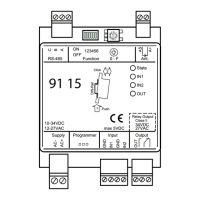
91 15
State
IN1
IN2
OUT
GND
AC-
AC+
B
A
C
GND
IN1
IN2
2
1
Push
Click
DIN-Rail
AS
A+
OUT
Output
Ant.Function 0 - F
123456
ON
OFF
RS-485
InputProgrammerSupply
10-34VDC
12-27VAC
34VDC
Class II
Relay Output
27VACmax 5VDC
dormakaba
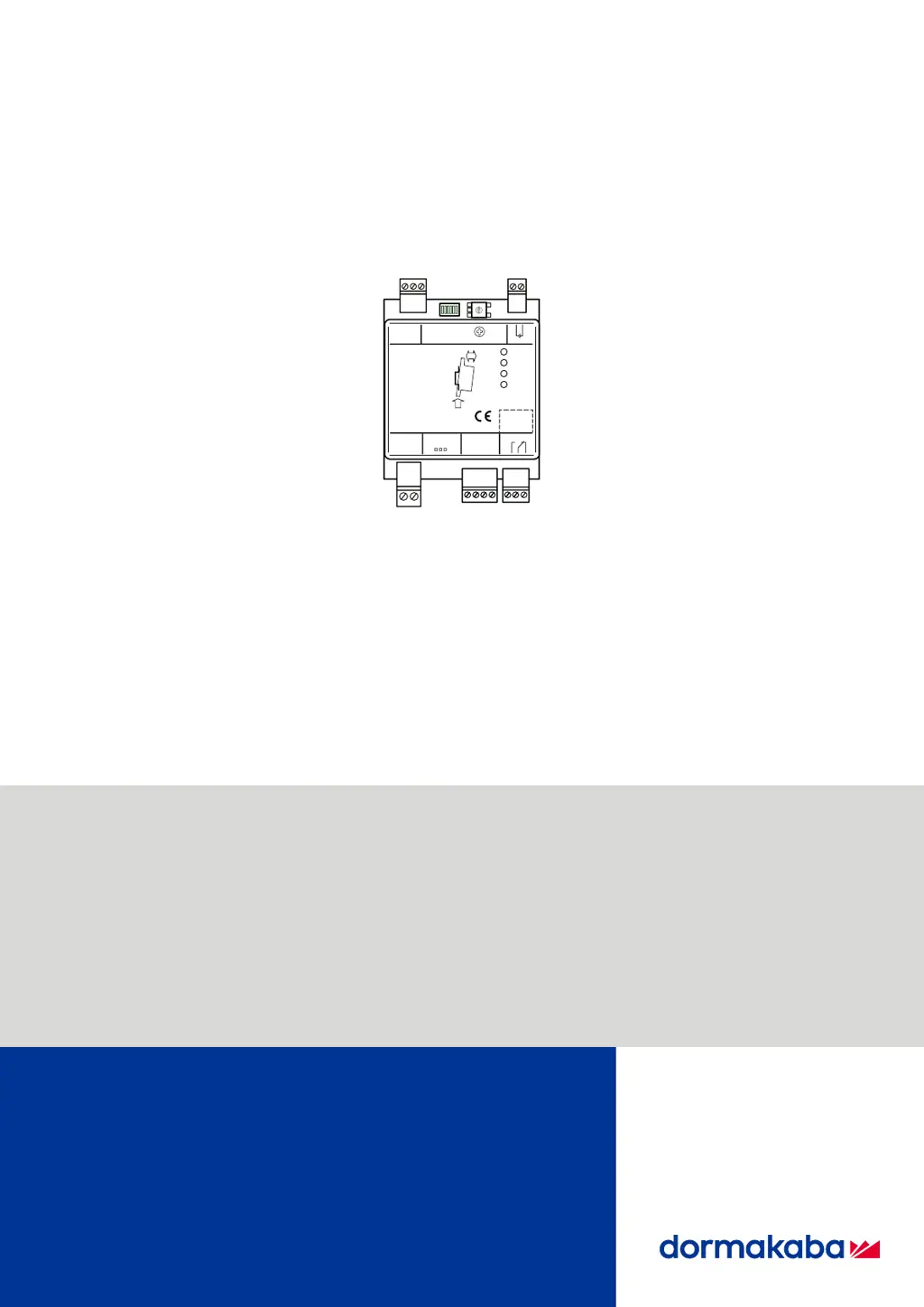
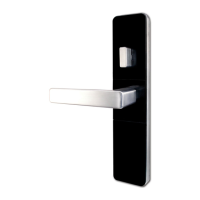
Remote Reader 91 15 - U300
04046493 - 11/2018
EN
Technical Manual

Table of Contents

Questions and Answers

  • H
    hallsusanAug 10, 2025
    Why is my Dormakaba IP Access Controller remote reader reading data incorrectly?
    • R
      Robin BeltranAug 10, 2025
      Incorrect data reading by the remote reader in Dormakaba IP Access Controllers can occur due to several reasons. It could be due to an interruption in the registration unit's connection, which requires checking and repairing the connection. Alternatively, the RFID media technology may not be defined, necessitating its definition using a programming master. New interference sources, such as hubs or security systems, can also cause this issue; try increasing the distance or shielding. Cabling changes may also be the cause, so adjust the cabling accordingly. Finally, ensure users are correctly using the medium.
  • J
    John RodriguezAug 25, 2025
    What to do if Dormakaba IP Access Controller remote reader is not writing to media?
    • J
      James JohnsonAug 25, 2025
      If the remote reader on your Dormakaba IP Access Controller isn't writing to the media, you need to issue write authorization.

Dormakaba U300 Series Specifications

General IconGeneral
CommunicationTCP/IP, RS-485
Operating Voltage12-24 VDC
Operating Temperature-40°C to 70°C (-40°F to 158°F)
Reader InterfaceWiegand, OSDP
Communication Interface10/100 Mbps Ethernet, RS-485

Related product manuals