EasyManua.ls Logo

Dorna EPS-BS Series - User Manual

Default Icon
75 pages
Print Icon
To Next Page IconTo Next Page
Loading...
1
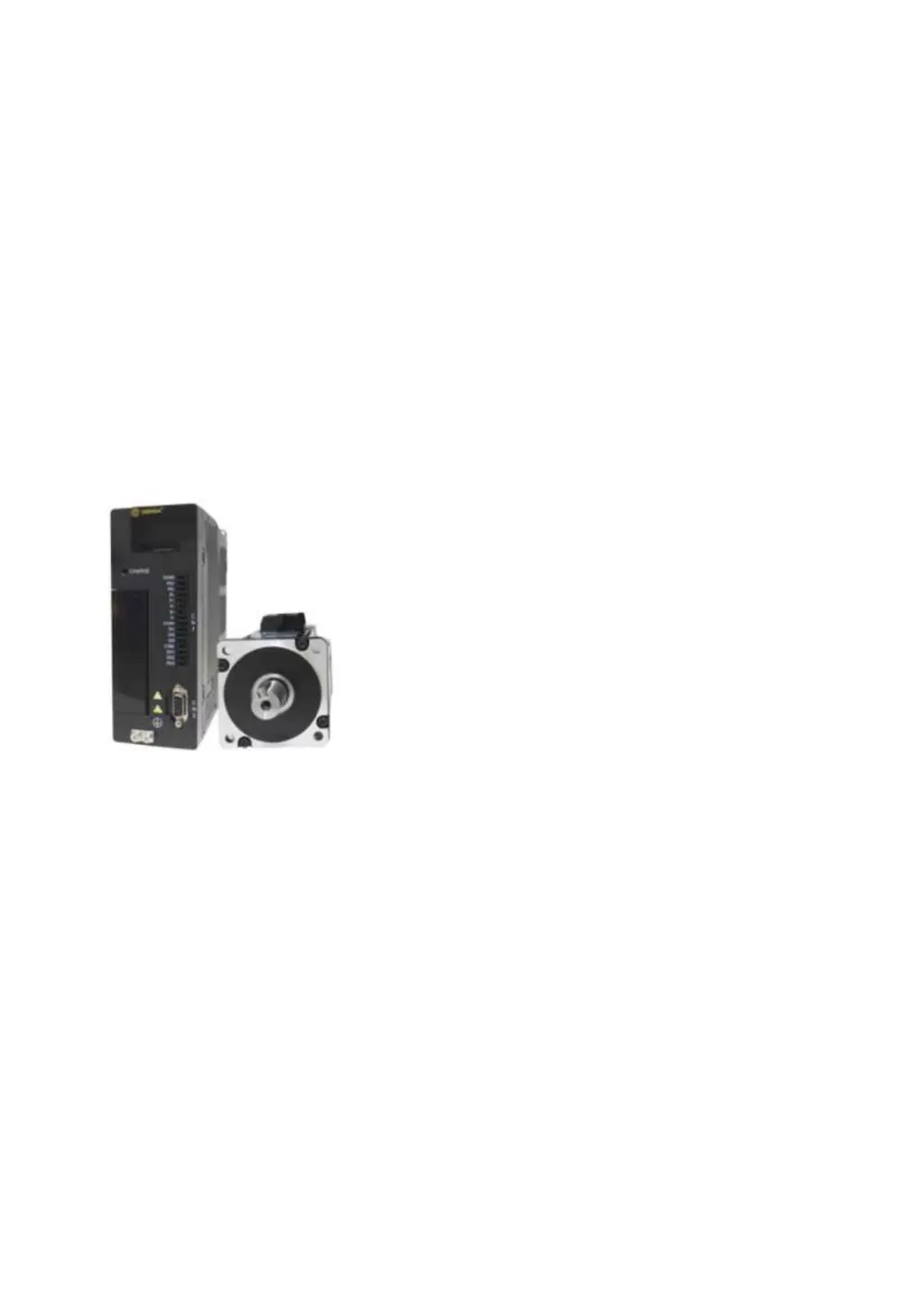
AC SERVO SYSTEM
EPS-BS SERIES
User Manual
(V1.3)

Table of Contents

Questions and Answers

  • G
    Gary WheelerSep 23, 2025
    What to do if Dorna Industrial Equipment current detection channel 2 abnormal?
    • E
      Emily JohnsonSep 23, 2025
      If your Dorna Industrial Equipment has an abnormal current detection in channel 2 due to an internal circuit issue, power off the equipment and power it on again after 1 minute. If the alarm persists, contact the manufacturer.
  • S
    sgibsonAug 25, 2025
    What to do if Dorna Industrial Equipment shows Overload 2?
    • T
      Todd ClarkAug 25, 2025
      If your Dorna Industrial Equipment shows an Overload 2 error, it indicates that the motor was continuously running with a torque exceeding 160% of its rated value. To resolve this, you can: * Check the motor U, V, W connections. * Ensure the motor parameters PA2, PA7, PA8, and PA9 are correct. * Inspect the mechanical structure. * Consider replacing it with a higher power servo if the operating load is too large.
  • R
    Randall RodriguezAug 25, 2025
    What to do if Dorna Industrial Equipment shows Overload 1?
    • A
      Amy SanchezAug 26, 2025
      If your Dorna Industrial Equipment shows an Overload 1 error, it means the motor was continuously running with a torque exceeding 130% of its rated value. Here's what you should do: * Check the motor U, V, W connections. * Verify that the motor parameters PA2, PA7, PA8, and PA9 are correct. * Inspect the mechanical structure. * Consider that the actual operating load of the machine is too large, and it needs to be replaced with a higher power servo.
  • J
    Joshua LeeAug 27, 2025
    What to do if Dorna Industrial Equipment motor stalls?
    • R
      ramirezsergioAug 27, 2025
      If the motor of your Dorna Industrial Equipment stalls, and the motor speed time does not match the given speed, you should: * Check the motor U, V, W connections. * Verify that the motor parameters PA2, PA7, PA8, and PA9 are correct. * Inspect the mechanical structure. * Consider that the actual operating load of the machine is too large, and it needs to be replaced with a higher power servo.
  • O
    omasseyAug 27, 2025
    What to do if Dorna Industrial Equipment is out of position?
    • R
      ramirezdavidAug 27, 2025
      If your Dorna Industrial Equipment is out of position, and the position deviation exceeds the setting value of user parameter PA53, you should: * Check if the servo can perform a JOG run without any load. * Check the electronic gear setting. * Inspect the mechanical structure. * Consider that the actual operating load of the machine is too large and needs to be replaced with a higher power servo.
  • J
    Jesse GoodwinSep 14, 2025
    What to do if Dorna Industrial Equipment output signal configuration error?
    • D
      David ThomasSep 14, 2025
      If your Dorna Industrial Equipment has an output signal configuration error due to a duplicate or meaningless output signal pin configuration, modify output parameters PA148, PA149 & PA150.
  • J
    John MartinSep 12, 2025
    What to do if Dorna Industrial Equipment shows Power module alarm?
    • B
      bmurraySep 12, 2025
      If your Dorna Industrial Equipment shows a power module alarm, you can: * Check if the driver and motor matching is correct. * Reduce the driver's overload multiple. * Increase the torque filter time.
  • R
    ryandaltonSep 13, 2025
    What to do if Dorna Industrial Equipment input signal configuration error?
    • L
      Larry SanchezSep 13, 2025
      If your Dorna Industrial Equipment has an input signal configuration error due to a duplicate or meaningless input signal pin configuration, modify input parameters PA145, PA146 & PA147.
  • P
    Patricia WebbSep 5, 2025
    How to fix Encoder AB Pulse missing on Dorna Industrial Equipment?
    • L
      laura01Sep 5, 2025
      If the Encoder AB Pulse is missing on your Dorna Industrial Equipment, and the Incremental Encoder AB Pulse is lost, check the encoder wiring.
  • J
    Jade GonzalezSep 2, 2025
    What to do if Dorna Industrial Equipment has a drive power error?
    • N
      Natasha AyersSep 2, 2025
      To solve drive power error in Dorna Industrial Equipment: * View DP21 to determine if the drive power is correct. * Then, set the PA7 value correctly.

Summary

Safety Precautions

Storage & Handling

Guidelines for storing and handling the servo drive and motor to prevent damage.

Installation

Precautions and requirements for installing the servo drive correctly.

Wiring

Correct and reliable wiring procedures to prevent hazards and ensure performance.

Operations

Guidelines for safe and correct operation of the servo system.

Quick start guide

Basic wiring

Instructions for connecting the power and motor wires according to the system's needs.

Chapter 1 Product Overview

Product inspection

Steps to inspect the servo drive and motor upon receipt for completeness and condition.

Product Model

Explanation of the naming convention and structure of servo drive and motor models.

Name of each part of servo drive

Identifies and labels the physical parts and connectors of the servo drive.

Maintenance & Inspection

Outlines routine checks and maintenance procedures for the servo drive and motor.

Chapter 2 Installation

Installation direction and space

Specifies correct mounting orientation and clearance for optimal cooling.

Servo drive dimensions

Provides detailed physical dimensions for different servo drive enclosure types.

Recommended specifications for circuit breakers and fuses

Details recommended circuit protection devices for safe electrical setup.

Countering noise interference and higher harmonics

Explains methods to mitigate electrical noise and harmonic issues.

Selection of regenerative resistors

Guides the selection of regenerative resistors for managing regenerated energy.

Chapter 3 Wiring

System structure & wiring

Overview of the system's wiring structure and terminal connections.

Wiring of the main circuit

Details on wire sizing and typical wiring examples for the main power circuit.

CN1 wiring

Specific instructions for wiring the CN1 connector, including I/O signals.

I;O Signal allocations

Detailed mapping and configuration of input and output signals for the CN1 connector.

Examples of connection to the host device

Examples of connecting the servo drive's input/output signals to a host device.

CN2 wiring

Wiring instructions for the CN2 encoder cable, covering different connector types.

Standard wiring diagram

A visual representation of the typical wiring for the servo drive system.

Chapter 4 Panel Operations

Panel operator

Description of the panel operator's display and keys for status and control.

Function switching

How to navigate between different operating modes like JOG, Monitor, and Parameter settings.

Parameter setting method

Step-by-step instructions for setting and modifying servo drive parameters.

Operation example of parameter management function (EEPOP)

Demonstrates parameter storage and factory reset operations using the EEPOP function.

Chapter 5 Monitor Display

Monitor display list

A list of all available parameters and their corresponding display content and addresses.

Operation example of monitor display

A practical example of how to use the monitor display to check servo motor speed.

Input signal monitoring dP12

Procedure and explanation for monitoring the status of input signals via the DP12 display.

Output signal monitoring dP13

Procedure and explanation for monitoring the status of output signals via the DP13 display.

Monitoring display when power is turned on

How the initial display is determined by the PA03 parameter upon powering up.

Chapter 6 JOG Run

Preparations before JOG run

Essential checks and settings required before initiating a JOG run.

JOG run by panel operations

Step-by-step guide for executing JOG operations using the servo drive's panel.

JOG run of the servo motor alone by host command

How to perform JOG operations controlled remotely by a host device.

JOG run of position control

Procedures for trial operation of position control via host command after wiring.

JOG run after connecting the servo motor to the machine

Steps for performing a test run after connecting the servo motor to the mechanical load.

JOG run of servo motor with brake

Precautions and steps for trial operation of a servo motor equipped with a brake.

Chapter 7 Operations

Control mode selection

How to choose between position control and external JOG control modes.

Setting of general basic functions

Configuration of fundamental functions like Servo ON and motor overtravel protection.

Overtravel settings

How to set up overtravel signals for safety and machine protection.

Holing brake settings

Configuration of the holding brake, particularly for vertical axis applications.

Position control operations

Detailed operations and parameters for position control mode.

Electronic gear setting

How to configure the electronic gear ratio for precise positioning.

Position instructions

Details on input/output signal time sequences and pulse forms for position commands.

Positioning completed signal (COIN)

Explanation of the COIN signal indicating successful position completion.

ZSP (zero speed) signal setting

How to configure the ZSP signal for zero speed detection.

Pulse instruction inhibition function (INH)

Function to stop or inhibit pulse input counting during position control.

Internal speed control

How to set up and select internal speed control using input signals.

Chapter 8 Troubleshooting

List of alarms

A comprehensive list of error codes, their names, remarks, and clearability.

Alarm troubleshooting

Detailed causes and recommended actions for specific alarm codes.

Chapter 9 Product Specifications

Servo drive specifications

Detailed technical data for the servo drive, including electrical, environmental, and performance characteristics.

Servo motor specifications

Technical data for the servo motors, covering working system, insulation, and installation.

Motor parameter PA9

Table listing PA9 values and corresponding motor rated currents.

EPS-BS Servo motor and servo drive matching table

A guide to matching EPS-BS servo motors with appropriate servo drives based on specifications.

Chapter 10 Appendix

Parameters

A comprehensive list and description of all servo drive parameters and their settings.

MODBUS Communication

Details on establishing communication using the MODBUS protocol.

Dorna EPS-BS Series Specifications

General IconGeneral
BrandDorna
ModelEPS-BS Series
CategoryIndustrial Equipment
LanguageEnglish