English
12 www.doro.com
English
www.doro.com 13
Menu
Description of the menu system
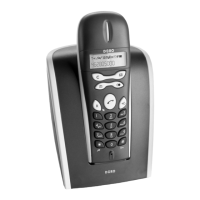
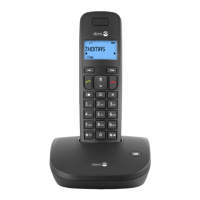
The telephone has a menu system controlled by the buttons directly under the
display. The functions shown in the display (directly above the button) are:
Menu Accesses the menu system.
OK To scroll one step forward and/or conrm selected option.
Delete Entry Used to delete.
Back Used to go back to the previous menu option.
There are also the following buttons:
v
/
V
To scroll through the menu alternatives.
L
Used to go back to the previous menu option, alternatively
press and hold to exit the menu system.
The menu contains the following main headings:
Phonebook To store delete or change telephone numbers in the Phonebook
memory.
Message* SMS and caller ID (CID) new calls.
Handset Set Settings for ringer, language, registering etc.
Base Set Settings for date/time, call barring etc.
INT Call Internal (Intercom) call.
*Only functions in certain countries and also require subscription.



 To Next Page