GB
First use
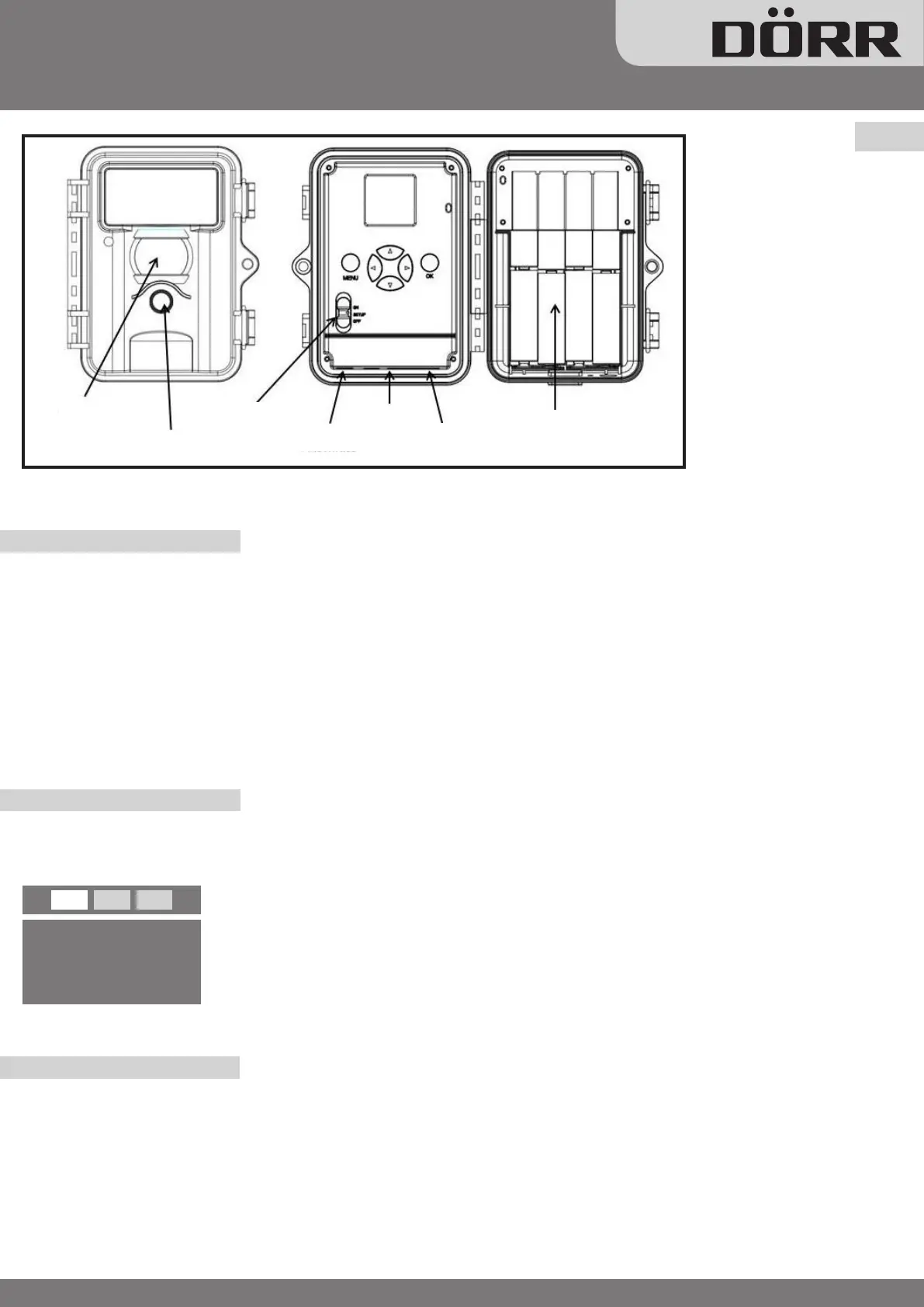
1) Open the camera using the lateral brackets
2) Make sure that the camera is switched “OFF” always, when changing batteries or SD card
3) Insert 8 x AA/1,5 V batteries (mind polarity)
4) Insert unlocked SD card
5) Move ON/OFF switch to “SET up“ position. Display shows settings.
•Camera symbol Single shot mode
•5MP Resolution 5 Mega Pixels
•Battery symbol Battery status
•SD Memory Card Symbol SD Memory Card is inserted
•[00034/00965] Stored pictures / free capacity
Setup
In order to change settings switch to “setup” and press menu. A list of various menu items appears.
Camera settings (CAM)
Camera Mode: choose between photo or video (
◀
,
▶
, ok)
Resolution: either choose 3M or 5M (
◀
,
▶
, ok)
Number of shots: choose 1 to 3 shots per motion (
◀
,
▶
, ok)
Video quality: select high quality (VGA 640x480 pixels) or QVGA 320x240 pixels (
◀
,
▶
, ok)
Video length: can be set from 5 up to 60 seconds (
◀
,
▶
, ok)
1) Press
◀
and
▶
to select between the registers ( CAM, PIR, SYS )
2) Press ▼ and ▲ to select a menu item within the registers
3) Press
◀
and
▶
to change the menu items
4) Save settings with the “ok” button and leave setup with “menu” button
CAM PIR SYS
Camera Mode
Photo
MENU
>
Exit OK
>
Save
Flash
Infrared
PIR Sensor
Lens
ON/OFF Switch
External
V- Connection
USB
SD Memory
Card Slot
Battery
Compartment
LCD
Display
www.doerrfoto.de
Snapshot Mini 5.0MP/ Mini Black 5.0MP
Model UV555
User Manual



 To Next Page