© 2016, Double Apex LLC. All rights reserved. Rev3
6
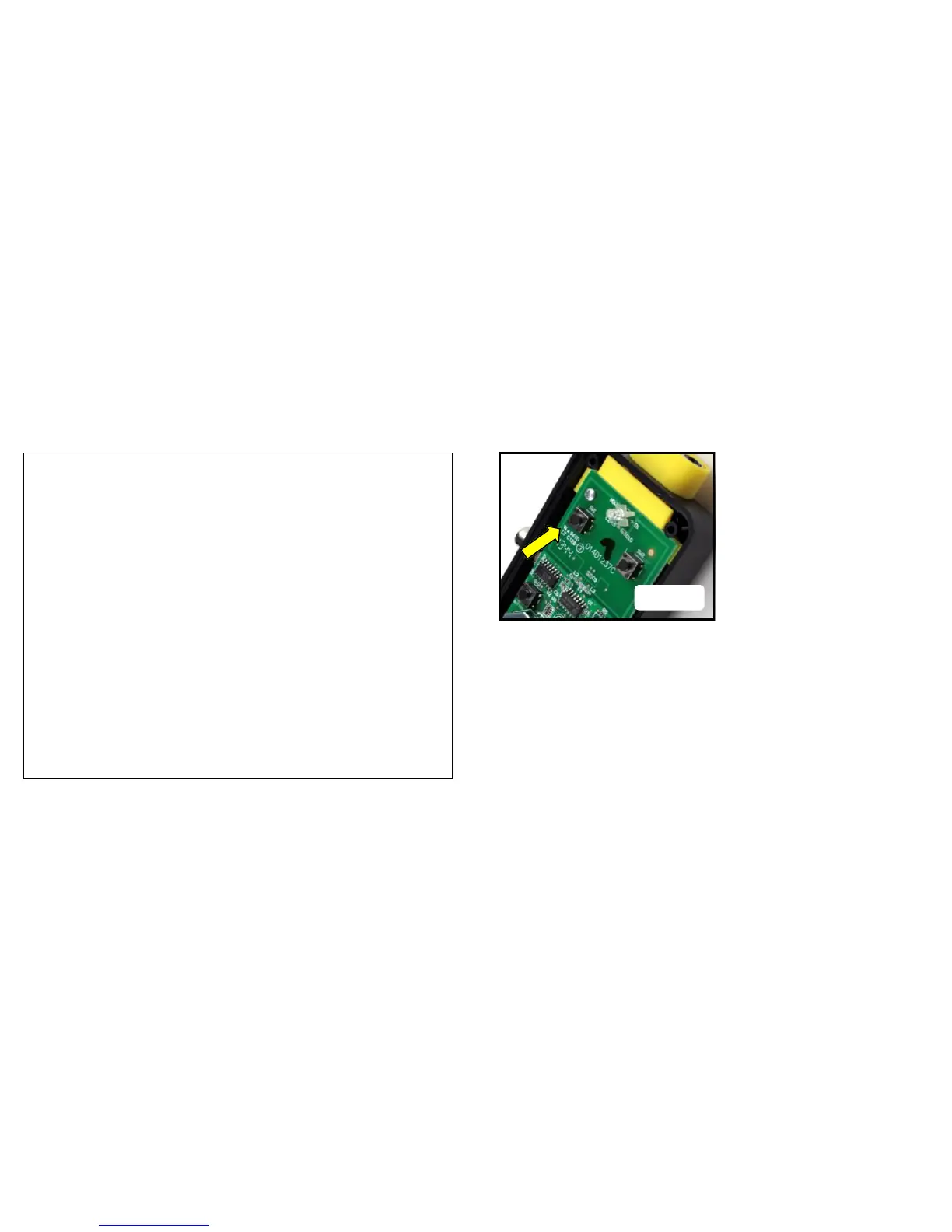
5. If you’re installing a single button Garage Control select button
SW1 in the control box and press it the number of times shown in
Appendix A, making sure the LED stops flashing after each press.
The code is accepted when one of the following happens; an audi-
ble click, garage door opens, garage light blinks. Press the program
button on the control box. Programing is complete. Press the button
you selected again to test.
If you’re installing a two button Garage Control, repeat the previous
steps with your second opener using button SW2.
Once the control is programmed REMOVE THE BATTERY by hand
or with a non-metal tool.


 To Next Page
 Loading...