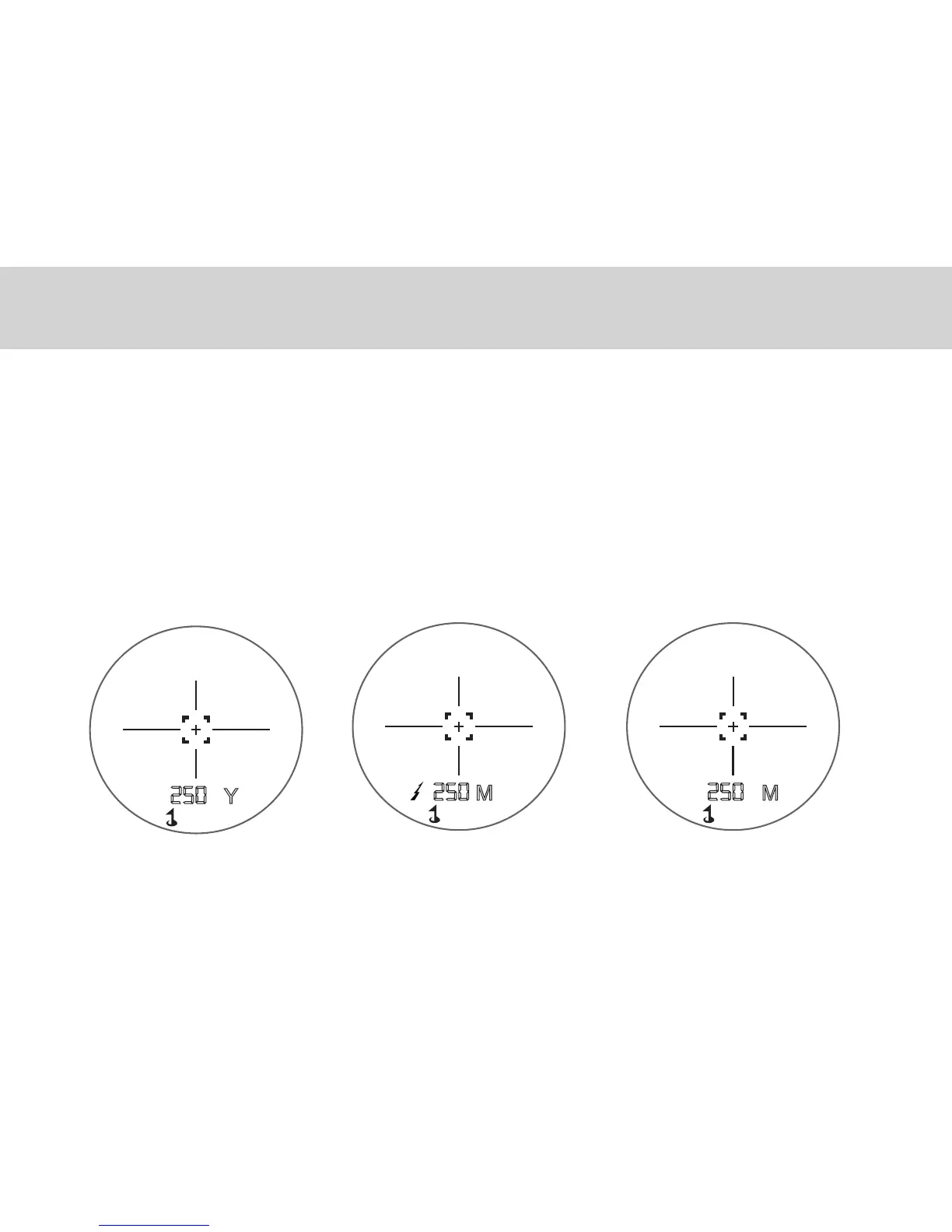
The selective targeting mode allows you to adjust the performance parameter of the rangefinder to suit
your specific situation and environment. To switch from one mode to another, press the MODE button.
You may choose from 3 different targeting modes:
- NORMAL: Align the reticle with the target and press the POWER button to display the distance.
- SCAN: Press the power button to start the scan mode. Scan from object to object for continuous
distance measurement.
- PIN: Also known as “closest distance object priority functions”. This mode gives you the distance
to the closest object when multiple objects are detected. When measuring, be sure to have no other
object between you and your target. Press the power button and slowly aim to the right and left of the
object until the distance is displayed.
GETTING STARTED
5



 To Next Page