22
Introduction
Introduction
The PosiTector Dew Point Meter (DPM) is a hand-held,
electronic instrument that measures, calculates and records
climatic conditions, quickly and accurately. It consists of a body
(Standard or Advanced) and probe (Built-In or Separate).
This Quick Guide summarizes the basic functions of the instru-
ment. Download the full instruction manual at:
www.defelsko.com/manuals
.
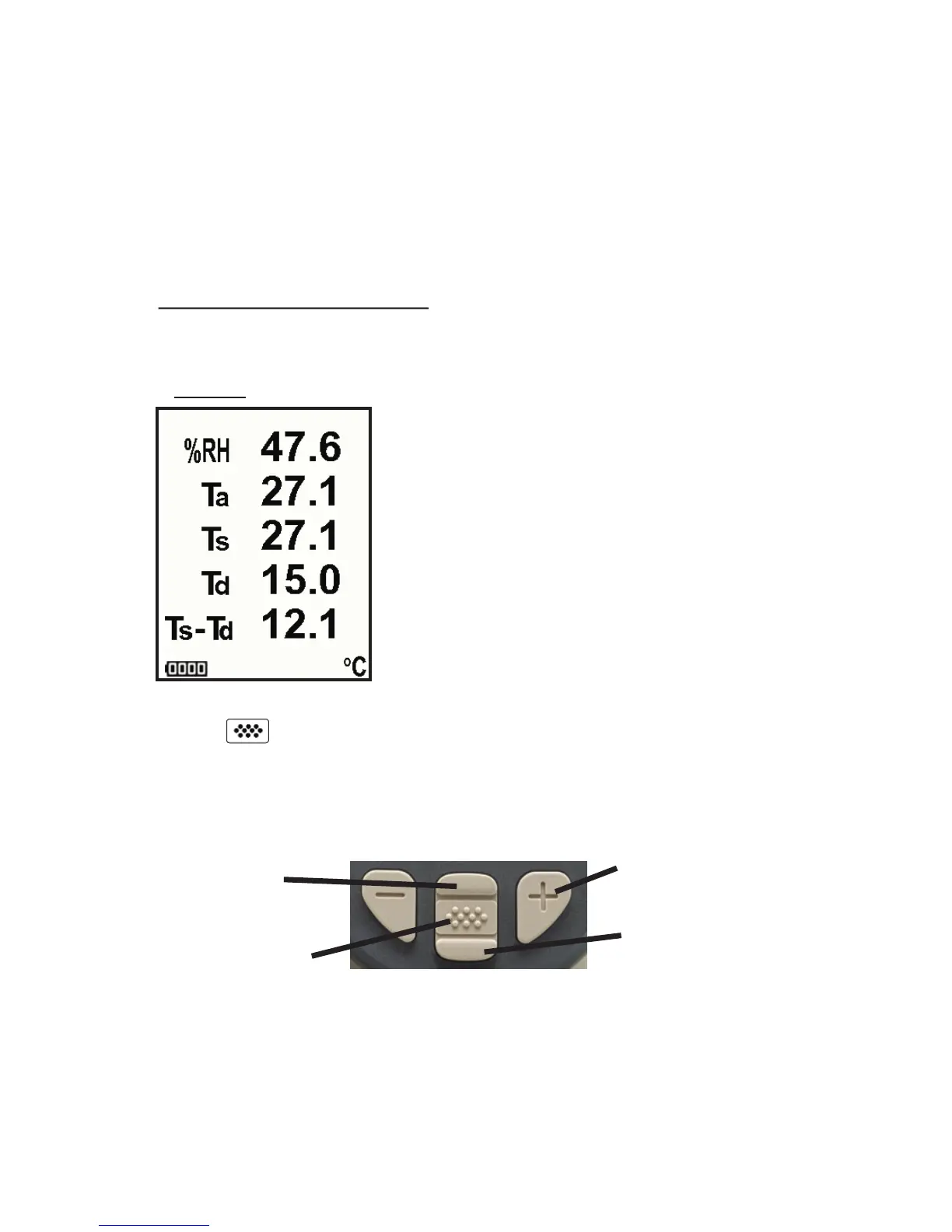
A typical instrument screen is shown below, consisting of RH, Ta,
Ts, Td, and Ts-Td readings. This group of readings is referred to as
a dataset
.
RH - Relative Humidity (measured)
Ta - Air Temperature (measured)
Ts - Surface Temperature (measured)
Td - Dew Point (calculated)
Ts-Td - Surface minus Dew Point
Temperature (calculated)
Tw - Wet Bulb Temperature (calculated)
(Advanced Models Only)
The PosiTector DPM powers-up when the center navigation
button is pressed. Readings are updated automatically each
second. To preserve battery life, the instrument powers down after
approximately 5 minutes of no activity. All settings are retained.
Scroll through
Trend Charts
(Advanced only)
Access the Menu
Pause / Resume
Restore brightness
after dimming
(Advanced only)
The Pause/Resume (+) button stops values from automatically
updating to allow for closer examination of the relationship
between the values or to allow time to manually record the entire
dataset. Press (+) again to resume.
Button Functions- Normal Operation



 To Next Page