Need help?
Do you have a question about the Dr. Clark VariGamma 2.0 and is the answer not in the manual?
The VariGamma 2.0 is a Bio-Frequency Generator, not a medical device.
Read the manual before use; keep away from water, damaged devices, and interference.
Do not use with implants, pregnancy, seizures, or skin issues; potential skin irritation.
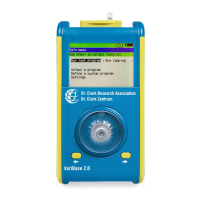
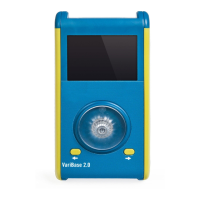
Identifies device parts, controls, and explains display icons.
Provides detailed specifications like dimensions, weight, voltage, and frequency range.
Introduces the Dr. Clark smartphone App for purchasing and storing virtual Program Drivers.
Guide to download, install, access the library, and purchase Programs.
Explains how to use QR codes for payment confirmation, VariCoins, or discounts.
Viewing uploaded programs and transferring them to the VariGamma via NFC.
Instructions for inserting the module and powering the device on and off.
How to connect the device to the body using gel pads or wrist bands.
How to use microSD cards for frequency programs and firmware updates.
Procedures for transferring programs between device, microSD cards, and the app.
Step-by-step guide for firmware updates via microSD and troubleshooting errors.
Navigating and selecting options from the device's main menu.
Understanding program steps, execution control like pause, stop, and skip.
Detailed steps for defining program name and parameters for each program step.
Saving, deleting steps, and moving between them within custom programs.
Managing saved custom programs: running, editing, transferring, and deleting.
How to run the most recently used or uploaded program.
Selecting and running programs from the device's program library.
Accessing and reviewing the parameters of a selected program.
Understanding the battery status display and warning indicators.
Procedure for charging the device's battery using the VariCharger Module.
Changing the device's display language and adjusting brightness/sound.
Guidelines for maintaining, cleaning, and understanding the device's classification.
Requirements for safety inspections, especially for commercial use.
Details of the product warranty, exclusions, and conditions.
Instructions for returning the unit for warranty service.
 General
| Brand | Dr. Clark |
|---|---|
| Model | VariGamma 2.0 |
| Category | Personal Care Products |
| Language | English |

 To Next Page